Contents
Takes about 30 seconds
Who wrote this, and why
We make one of these. RestoreYourPhoto is ours and it is first in the table, so read this with that in mind.
What we can offer instead of neutrality:
- Every price links to the vendor's own page, read on 3 November 2026.
- What our own tool does badly is written down in the same detail as everyone else's.
There is no hands-on testing claimed anywhere on this page, because we have not run a controlled test. A fair quality comparison means the same damaged originals through every tool, blind scoring, and repeating it each time a model changes, which happens every few months. What follows is a comparison of published terms, platform availability and what each product is built for, all of which you can check against the linked sources.
What each one costs
| Tool | Best for | Price | Free tier | Billing |
|---|---|---|---|---|
| RestoreYourPhotoours | Old family photos, damage and color in one pass | One-time credits from $6.99 for 10 photos, up to $109.99 for 250 | None | One-time credits, never expire |
| Remini | Faces on a phone, quickly | Pro around $9.99 a week, Lite around $7.99 a week, per its App Store listing | Ad-supported, roughly 5 photos a day | Weekly subscription |
| MyHeritage | Genealogists already paying for the family tree | Complete plan $149 a year, which includes the photo tools | Several animations and a small number of photo-tool uses | Annual subscription to the whole platform |
| Photomyne | Digitising a box of prints with a phone camera | $19.99 a month, $59.99 a year, or $119.99 for three years | Free version with ads | Subscription, with a non-renewing three-year option |
| Topaz Photo | Photographers who want control and large exports | $199 a year for Topaz Photo, or $399 a year for the Studio bundle | Not stated on the pricing page | Annual license, desktop software |
| PhotoGlory | Windows desktop, one payment, no cloud | From $19.25, one-time | Free trial, limits not stated | One-time license, Windows only |
| VanceAI | High-volume batch work across many tool types | From $15 a month billed annually ($180) for 260 credits a month | 10 credits to try | Monthly credit allowance on a subscription |
Prices change and several of these vary by region. Each entry below links to the page its figure came from.
Restore, repair, enhance, colorize
These four words are used as if they meant the same thing, and they do not. Picking the wrong one is the most common reason a tool disappoints: people reach for a photo enhancer when the photograph is torn, and an enhancer sharpens the tear.
- Restore
- Repairs what happened to the paper and rebuilds what the print lost: tears, creases, missing corners, water stains, fading, and the soft detail of a photo that was copied too many times. This is the word you want when the original is old and physically damaged.
- Repair
- Used interchangeably with restore in marketing, but in a product it usually means the damage half on its own. A repair tool takes out the scratch and leaves the fading, the softness and the color alone.
- Enhance
- Sharpens, denoises and upscales an image that is not damaged, only soft or small. Almost every tool sold as a photo enhancer is built for modern phone photos. Point one at a torn 1950s print and it will sharpen the tear along with everything else.
- Colorize
- Predicts plausible color for a black and white frame. It is a separate job from restoration and it works better second, because a scratch reads to the model as an edge and the color gets painted along it.
An old family photograph usually needs three of the four at once, in order: repair the damage, recover the detail, then add color. That is the argument for a tool that does the whole sequence in one pass rather than three tools in a row, each one working on the compressed output of the last.
What each is good and bad at
RestoreYourPhoto
oursOld family photos, damage and color in one pass · One-time credits from $6.99 for 10 photos, up to $109.99 for 250
Where it wins
Repairs damage and colorizes in the same run, which matters because color prediction is noticeably better once scratches are gone. Browser-based, 1080p output, nothing to install, and credits do not expire between the bursts in which people actually work through an album.
Where it does not
It does one job. There is no layer editor, no per-object color picker, and no desktop app for batch work on a disconnected machine. Output caps at 1080p, so it is not the tool for a photographer who needs a 100MP export.
Pricing checked 3 November 2026 · our pricing
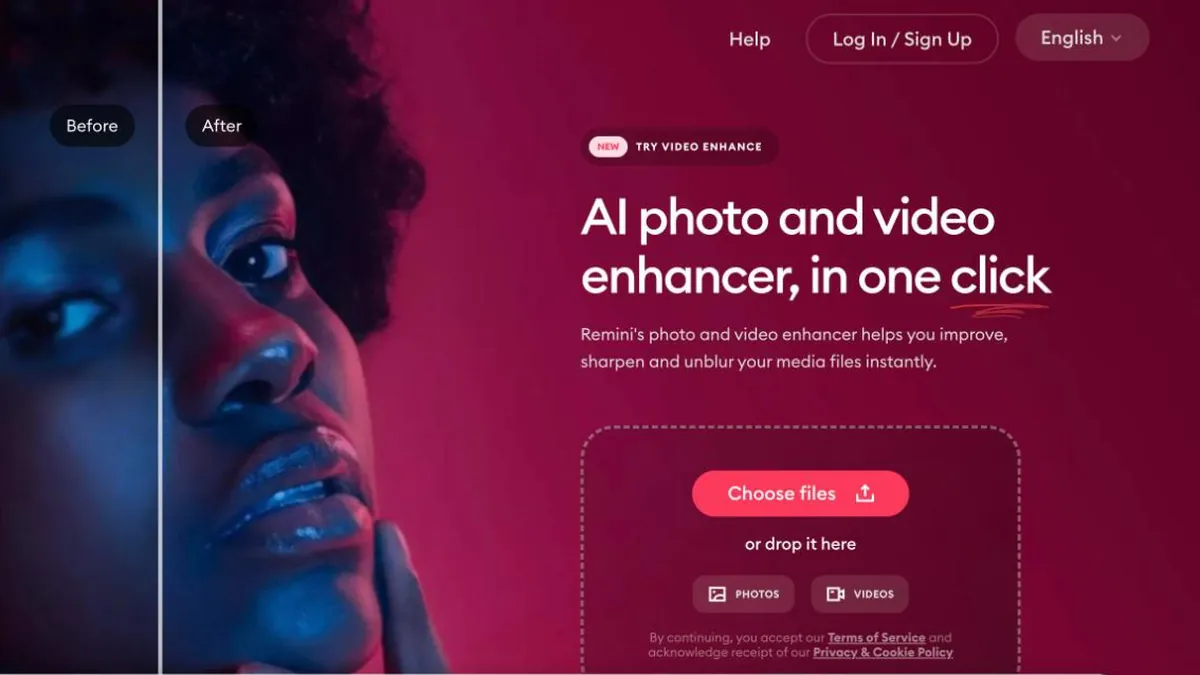
Remini
Faces on a phone, quickly · Pro around $9.99 a week, Lite around $7.99 a week, per its App Store listing
Where it wins
The strongest face reconstruction in the group and the fastest route from a phone photo to a usable portrait. If the subject is one face filling the frame, this is hard to beat. It is also the only tool here with a free app on both stores and a browser version at app.remini.ai.
Where it does not
Weekly billing adds up fast: at $9.99 a week it is over $500 a year. It treats the face and largely leaves the rest of the frame, so group shots, landscapes and backgrounds come back weaker. Prices vary by region and change often, so check before subscribing.
Pricing read off their own App Store listing on 3 November 2026
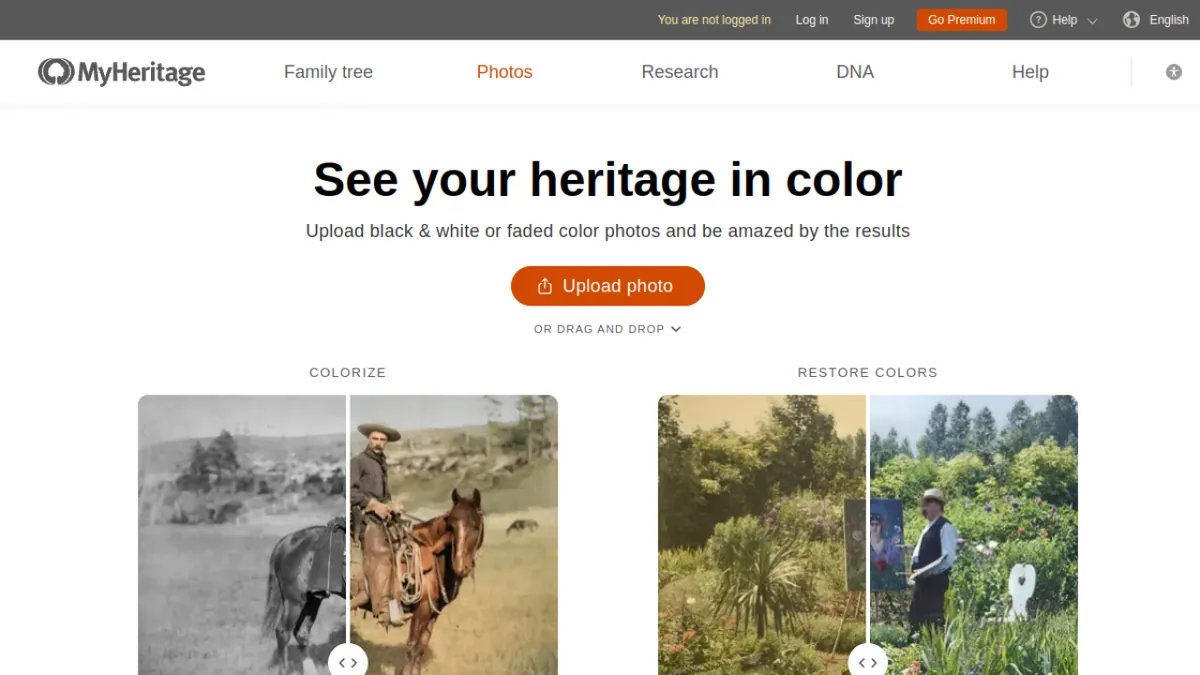
MyHeritage
Genealogists already paying for the family tree · Complete plan $149 a year, which includes the photo tools
Where it wins
In Color, Photo Enhancer, Photo Repair and Deep Nostalgia are unlimited on the Complete plan, and they sit next to your tree, so a restored portrait attaches to the person it belongs to. If you already pay for MyHeritage, the photo tools cost you nothing extra.
Where it does not
You are buying a genealogy platform, not a restorer. At $149 a year it only makes sense if the tree is the point; for a shoebox of prints and no interest in records, it is the most expensive way to colorize a photo in this list.
Pricing read off their own MyHeritage help center on 3 November 2026
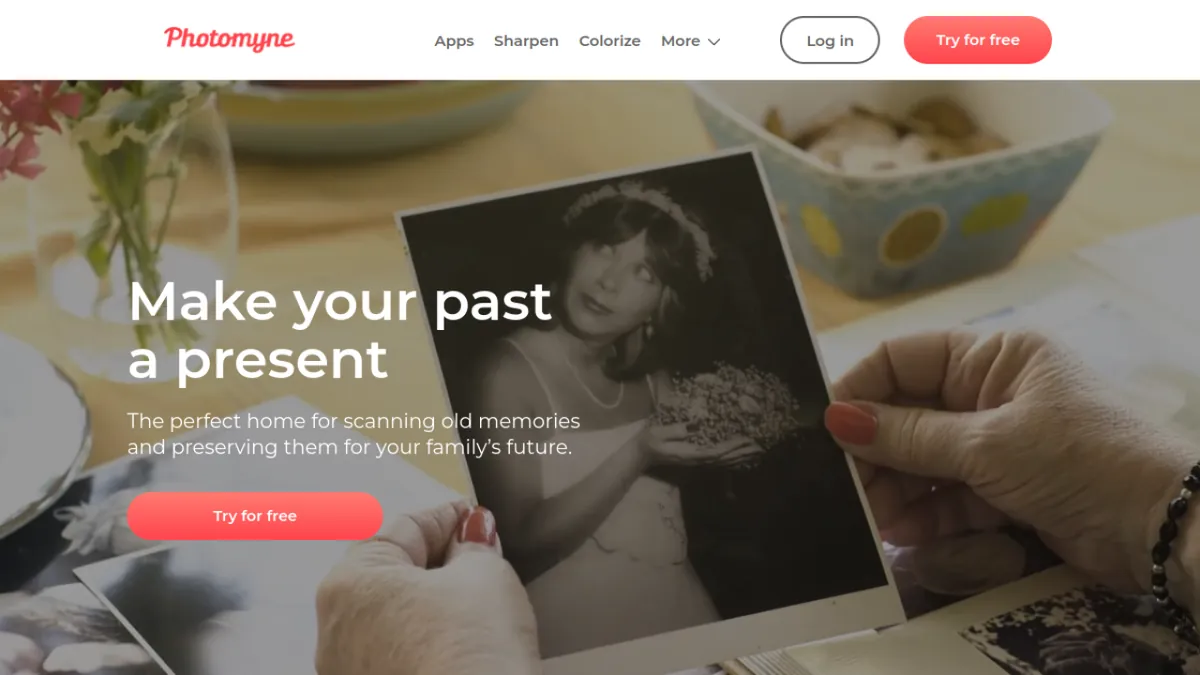
Photomyne
Digitising a box of prints with a phone camera · $19.99 a month, $59.99 a year, or $119.99 for three years
Where it wins
The best scanner in this list by a distance. It detects several prints on a table at once, crops and deskews them, and turns an afternoon of flatbed scanning into twenty minutes. The three-year option that does not auto-renew is unusually honest.
Where it does not
It is a scanner first; colorizing and sharpening live in separate companion apps, and there is no browser version at all. If your photos are already digital, you are paying for the half of the product you do not need.
Pricing read off their own Photomyne pricing page on 3 November 2026
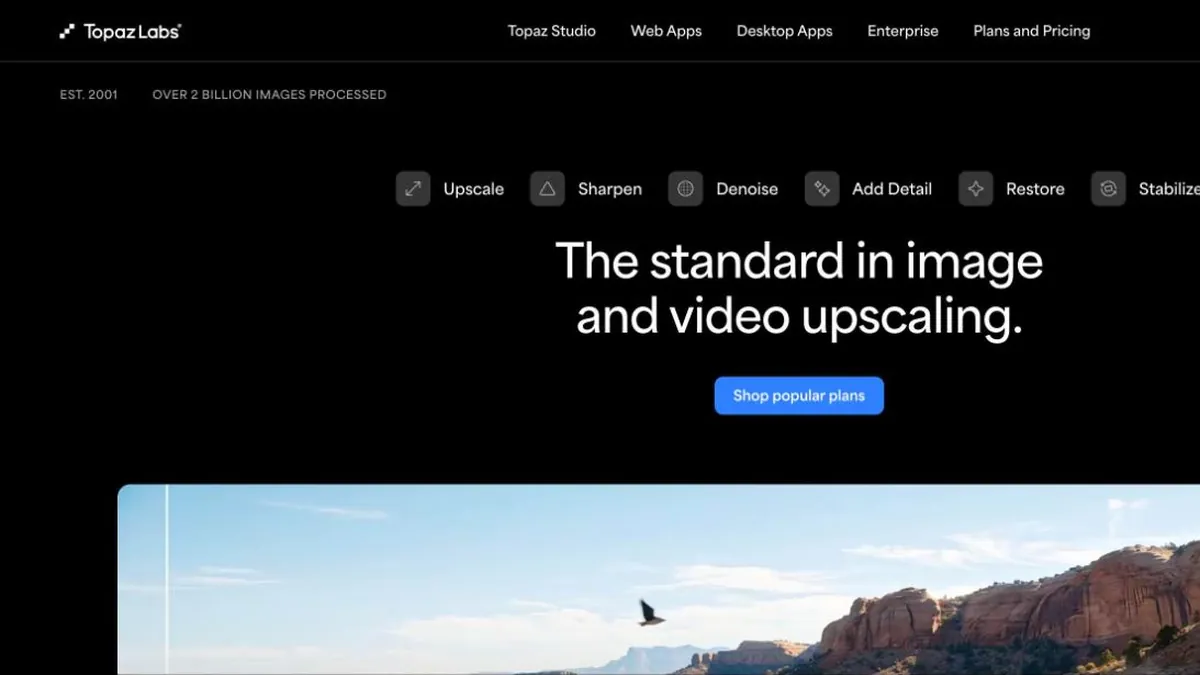
Topaz Photo
Photographers who want control and large exports · $199 a year for Topaz Photo, or $399 a year for the Studio bundle
Where it wins
The desktop apps run locally, so nothing is uploaded, and they export far beyond 1080p: 32MP on Studio and 100MP on the Pro tier. Per-model control over sharpening, denoise and upscaling that no browser tool here offers, and the one product in this comparison that covers Windows, Mac, both phone stores and a browser on a single subscription.
Where it does not
Built for photographers, not for a damaged 1950s print: it sharpens and upscales superbly and does not repair tears or colorize. It needs a capable computer, and $199 a year is a lot for an album you will restore once. Note that the local-processing argument applies to the desktop apps only, since Topaz for Mobile and Topaz Image Web both send the file to a server.
Pricing read off their own Topaz Labs pricing page on 3 November 2026
PhotoGlory
Windows desktop, one payment, no cloud · From $19.25, one-time
Where it wins
The cheapest way out of subscriptions entirely: one payment, software on your own machine, and nothing uploaded anywhere. It repairs scratches, creases, stains and tears, colorizes a black and white photo in a click, and ships a pile of effects on top.
Where it does not
Windows only, so it is simply unavailable on a Mac, an iPad or a phone. It is an editor rather than a one-click tool, so you do the work; and the trial limits are not published, which makes it hard to judge before paying.
Pricing read off their own PhotoGlory site on 3 November 2026

VanceAI
High-volume batch work across many tool types · From $15 a month billed annually ($180) for 260 credits a month
Where it wins
A wide toolbox under one subscription: restore, colorize, sharpen, upscale, denoise and background removal. At the Studio tier the per-credit rate is about $0.029, the cheapest unit price in this comparison, and VanceAI for PC lifts the upload limits the browser version imposes.
Where it does not
The allowance is monthly and, in its own words, credits expire when the subscription ends. That is the wrong shape for photo restoration, which people do in bursts: you pay every month for a project you finish in two weekends. The online tools also cap uploads at 10MB and 34MP, which a high-resolution scan will exceed.
Pricing read off their own VanceAI pricing page on 3 November 2026
Screenshots are each vendor's own home page as it appeared on 3 November 2026, included so you can recognize the site when you get there.
What we built, and who it is wrong for
We have spent most of this page on other people's products, so here is ours in the same detail. RestoreYourPhoto does one thing: it takes a damaged photograph and gives it back repaired, sharp and, if it was black and white, in color. All of that happens in a single pass, which is the whole design decision. Colorizing a scratched print separately gives you colored scratches, because the model reads the damage as an edge and paints along it.
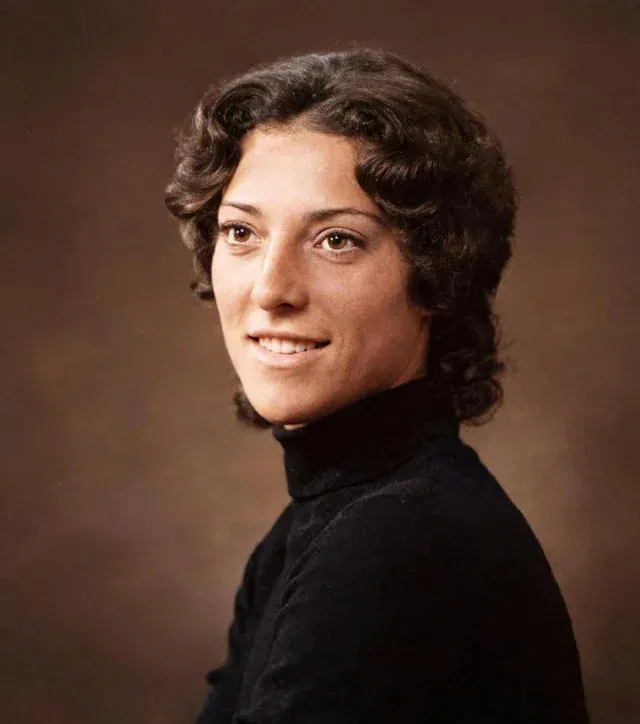
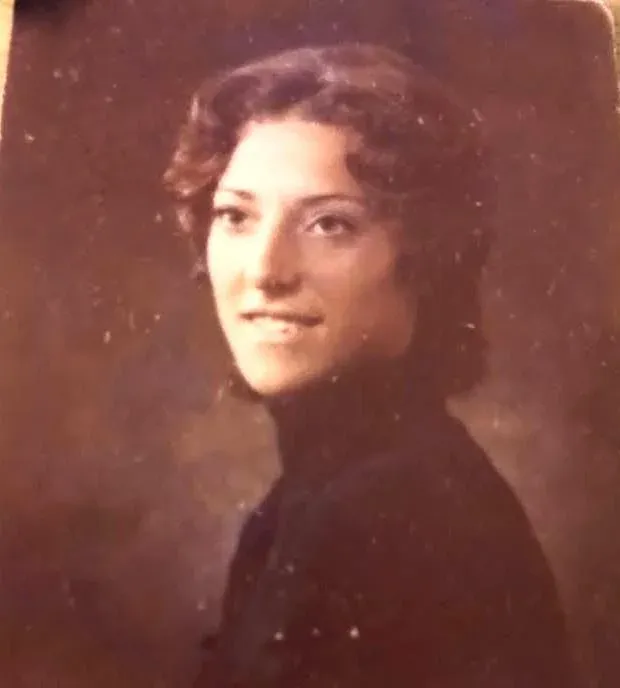
It runs in the browser, so there is nothing to install and the operating system does not matter: a Chromebook gets the same output as a workstation. A photo takes about thirty seconds. The download is 1080p with no watermark on it, ever, at every pack size. There is also an animation tool if you want a portrait to move, which costs 3 credits rather than one.
What it costs
One-time credit packs, 5 of them, from $6.99 for 10 photos to $109.99 for 250. One credit is one restoration. Nothing renews, nothing expires, and the credits wait in the account between the bursts in which people actually work through an album: a weekend now, the rest when the next box comes out of the loft. If it does not do what you need, there is a 30-day money-back guarantee.
You sign in with Google and we never ask for a card until you choose a pack. There is no free tier at the moment, which is a worse deal than our competitors if you want exactly one photo done, and a better one if you have an album.
When to use something else
Four cases, and we would rather say them here than have you find out after paying. If you need an export larger than 1080p, use Topaz. If the photographs may not leave your machine, use Topaz or PhotoGlory on the desktop. If the prints are still in a box, scan them with Photomyne first and come back. And if the only thing that matters is one face in one portrait, Remini reconstructs faces better than we do.
What is left is the case we built for: a few dozen family photographs, already digital or photographed with a phone, damaged in the ordinary ways, that you want fixed properly without signing up to anything.
Us against each of them
The comparison that actually gets made is never seven-way. It is us against whichever one you were already looking at, so here are those six, with the case for them stated as fairly as the case for us.
| Choosing between us and | Pick them when | Pick us when |
|---|---|---|
| Remini | The subject is one face, you are on a phone, and you want it done in ten seconds. | The damage covers the whole frame, the photo needs color as well as repair, or you will not use it enough to justify weekly billing. |
| MyHeritage | You already pay for the family tree, so the photo tools are included and sit next to the people they belong to. | You want the photographs fixed and have no interest in records. $149 a year is a lot of genealogy to buy for a shoebox. |
| Topaz Photo | The photo is soft rather than damaged, you need a 100MP export, or nothing may leave your computer. | The photo is torn, stained, faded or black and white. Topaz sharpens beautifully and does not repair or colorize. |
| PhotoGlory | You are on Windows, you want to pay once, and you are happy to do the work in an editor. | You are on a Mac, an iPad or a phone, where PhotoGlory does not run at all, or you want one button rather than an editor. |
| Photomyne | The prints are still in a box. Scanning is a different job and Photomyne is the best at it. | The files are already on your computer, so you would be paying for a scanner you do not need. |
| VanceAI | You restore photos every month and will use the allowance, and you want one subscription covering many tool types. | You will finish in two weekends. Their credits expire with the subscription; ours sit in the account. |
Every “pick them” above is a real case where we are the wrong answer. A comparison that never concedes one is not a comparison.
What “free” actually costs
More people search for a free photo restorer than for any other variation of this question, so it is worth saying plainly how the free ones are paid for. There are only four models, and every tool here uses one of them.
- A watermark on the result
- You see the restoration, you cannot use it. Common on tools whose whole funnel is the moment you realize the download is stamped.
- A resolution cap
- The preview looks right and the download is a few hundred pixels wide, which is useless for printing and obvious the moment you open it at full size.
- Ads and a daily limit
- Remini works this way: free with ads at roughly five photos a day. Honest enough, and slow if you have an album.
- A card for a trial that renews
- The one that actually costs people money. Photomyne’s annual plan carries a 3-day free trial; most of this category bills automatically when it ends.
Ours is none of the four: there is no free tier at all, just one-time credit packs from $6.99 that do not renew, with a 30-day money-back guarantee instead of a trial. That is a worse deal than a free tier if you only want one photo done, and a better one if you have an album.
Without a watermark, and without signing up
Those are two different requests and they get answered differently. A watermark is applied at export, so a clean preview tells you nothing: the only test that counts is downloading the file and opening it at full size. Do that before you pay, on every tool you are considering, and it takes about a minute each.
Signing up is harder to avoid. Every tool in this comparison that runs on a server wants an account, ours included, because the credits and the files have to belong to someone. We sign you in with Google and never ask for a card until you buy a pack. The genuine no-account options are the desktop ones: PhotoGlory and the Topaz desktop apps process on your own machine, so there is nothing to upload and nobody to register with until you pay for a license. We have not created accounts on the other five to test their downloads, so treat the rest of this as what to check rather than what we found.
Which one runs where
Half the picking is done by this table. A tool that does not exist on your device is not a candidate, however good it is, and three of the seven are unavailable on at least one mainstream platform.
| Tool | Phone app | Browser | Desktop |
|---|---|---|---|
| RestoreYourPhotoours | No | Yes, any OS | No |
| Remini | iPhone, Android | Yes, app.remini.ai | No |
| MyHeritage | iPhone, Android | Yes | No |
| Photomyne | iPhone, Android | No | No |
| Topaz Photo | iPhone, Android | Yes, Topaz Image Web | Windows, Mac |
| PhotoGlory | No | No | Windows only |
| VanceAI | No | Yes | Windows |
Checked against the App Store and Google Play listings and each vendor's own download pages on 3 November 2026.
On an iPhone or an Android phone
Most old photographs are paper, sitting in a box, and the camera is already in your hand, so the phone is where this usually starts. Two different things get called a phone app here, and the difference matters.
Native apps install from the App Store or Google Play. Remini, Photomyne, MyHeritage and Topaz for Mobile all ship on both stores. They have the advantages of a native app, the camera integration above all, and the disadvantage that billing runs through the store, where a weekly subscription is easy to start and easy to forget.
Browser tools need nothing installed. Ours, VanceAI and MyHeritage all run in Safari and Chrome on iOS and Android with the same result as on a laptop, because the processing happens on a server rather than on the handset. If you are restoring a dozen photographs rather than digitizing a shoebox, there is no reason to install anything.
One thing worth saying, because the two questions are asked separately and get the same answer: the iPhone and Android builds of every app here are the same product. There is no tool in this comparison that is good on one platform and bad on the other, so the best app to restore old photos on an iPhone is the best one on a Pixel too. What actually changes your pick is the state of the photographs, not the phone.
Desktop software for Windows and Mac
Three things push you off the browser and onto installed software, and if none of them apply to you, you can skip this section entirely.
Nothing may be uploaded. The PhotoGlory and Topaz desktop apps process locally, so the photographs never leave your machine. Note that this is an argument for those applications and not for those companies: Topaz for Mobile and Topaz Image Web both send the file to a server like everyone else.
You need more than 1080p. Browser tools cap output, and some cap input too: VanceAI's online tools take uploads up to 10MB and 34MP, which a good flatbed scan will exceed. Topaz exports to 32MP on its Studio plan and 100MP on the Pro tier. If you are printing large or working from scanned negatives, that is the difference.
You want per-setting control. Desktop software gives you sliders and model choices rather than one button. That is the point for a photographer and a burden for someone with a box of prints and an afternoon.
On Windows you have the most choice and the only genuinely cheap option: PhotoGlory from $19.25 once, which repairs and colorizes without a subscription, plus Topaz at $199 a year and VanceAI for PC for people who have hit the online upload limits.
On a Mac there is much less, and it is better to know that before you go looking. Topaz Photo is the only one of these seven with a native macOS application. PhotoGlory, the cheap one, does not run on macOS at all. For most Mac owners the honest answer is a browser tool, which is not a compromise here: the work happens on a server, so a MacBook Air gets the same output as a desktop PC.
Scratches, tears and creases
This is the damage people actually have. A print that spent thirty years in an album comes out with a crease across one corner, a scratch where it rubbed against the sleeve, and a bloom of discoloration where the adhesive soaked through. None of that is a sharpness problem, which is why a photo enhancer makes it worse: it finds the scratch, decides it is an edge, and sharpens it.
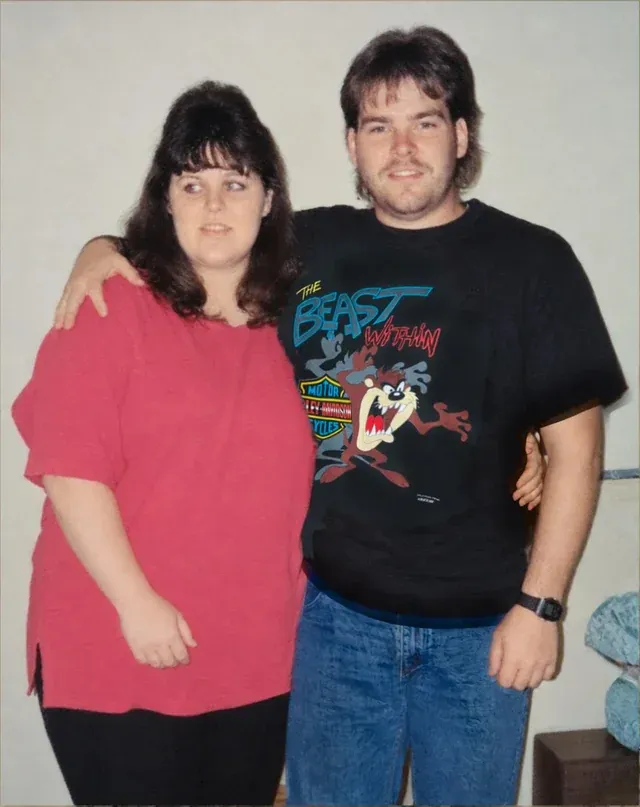
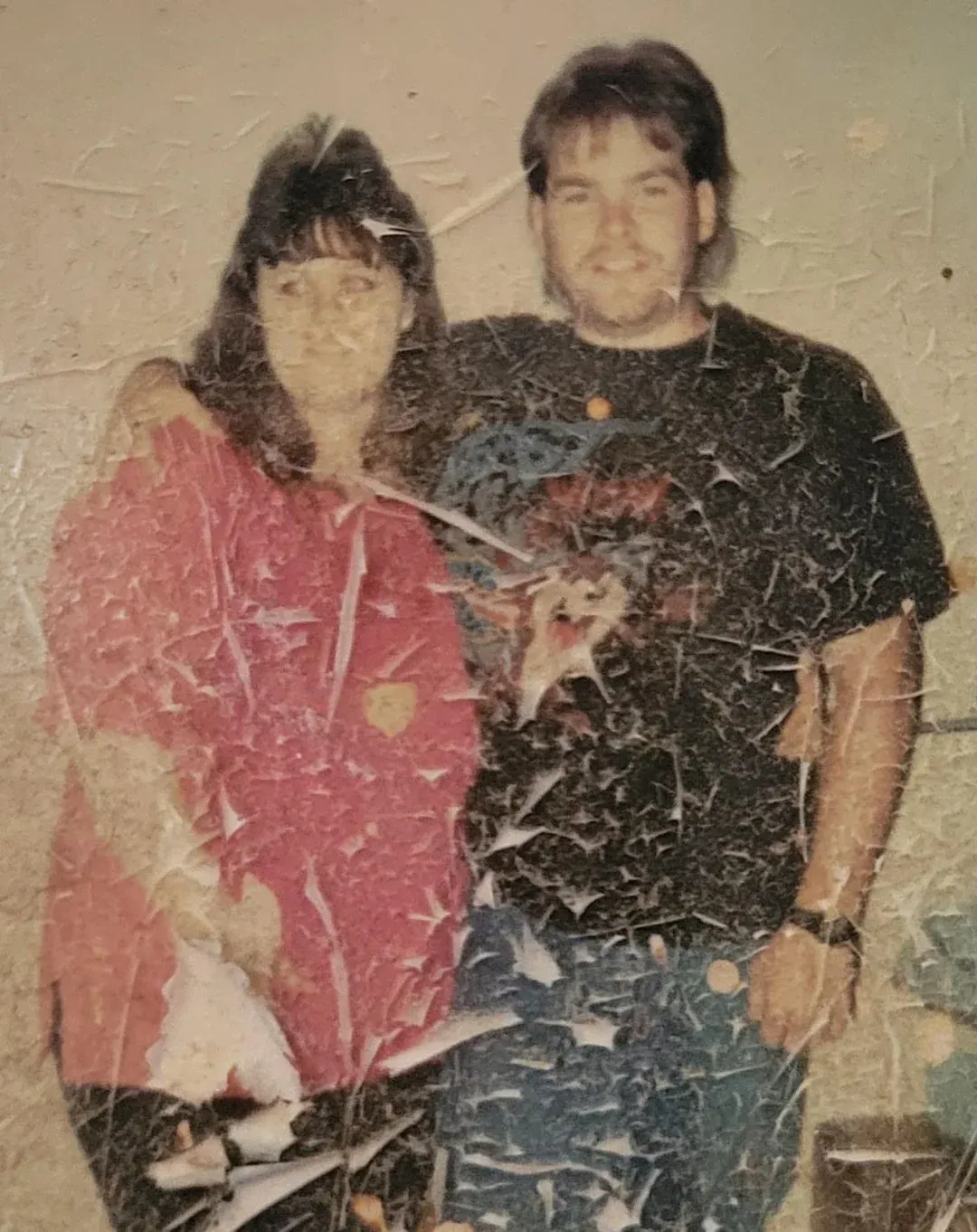
What a repair model does is closer to inpainting than to sharpening: it recognizes the damaged region as missing rather than as content, and fills it from what surrounds it. That works well on a scratch crossing a jacket or a wall, and least well on a crease running straight through a face, because there the model has to invent the one thing you care about. If you have a choice of prints of the same photograph, scan the one whose damage misses the faces.
Order matters too. Repair before you colorize, never after. A scratch reads to a colorization model as a boundary between two objects, so it paints along the line and leaves a stripe that is harder to remove than the original scratch was. Any tool that does both in one pass is handling this for you; if you are chaining two tools, run the repair first.
Answer one question first
How many photos, and are they already digital? Those two answers eliminate five of the seven before you compare a single feature.
- A box of paper prints, not yet scanned
- Scan first with Photomyne, then restore. Scanning and restoring are different jobs and the tools best at one are rarely best at the other. A phone photo of a print works for restoring, but at two hundred prints a scanning app saves an afternoon.
- A handful of damaged photos, already digital
- One-time credits. A subscription bills you monthly for a project that ends in a weekend, and at least one tool here expires the credits you did not use.
- Portraits where only the face matters
- Remini, and check the weekly price before you subscribe. Its face reconstruction is the strongest here; the cost of that is weekly billing reaching over $500 a year if you forget to cancel.
- Scans that are soft rather than damaged
- Topaz, and nothing else in this list. Sharpening, denoising and upscaling a clean image is a different problem from repairing a torn one, and it is the problem Topaz was built for.
- You pay for genealogy records already
- Use MyHeritage. The photo tools are unlimited on the Complete plan you are already buying. Starting a $149 subscription only for the photo tools is the expensive route.
- Nothing may leave your computer
- PhotoGlory on Windows, or the Topaz desktop apps on Windows or Mac. Every other option in this comparison uploads the file to a server, including Topaz on a phone or in a browser.
Questions about this list
What is the best app to restore old photos?
It depends on what is wrong with the photo, and any list that answers otherwise is selling something. For a damaged print that also needs color, a dedicated restorer that does both in one pass is the right shape. For a portrait where only the face matters, Remini is the strongest face reconstruction here. For digitizing a box of prints before restoring anything, Photomyne is the best scanner. For a photographer who needs a 100MP export and local processing, Topaz. The useful test is your own hardest photo, not a demo gallery.
Is there a genuinely free photo restoration app?
Not really, and it is worth knowing how the free ones are paid for: a watermark across the result, a download capped at a few hundred pixels, or a credit card for a trial that renews into a monthly charge. Remini is free with ads at roughly five photos a day and VanceAI gives 10 credits to try. Our own plans are one-time credit packs starting at $6.99 with no subscription.
Is Remini free?
The app is free to download on both the App Store and Google Play, and the free tier works: ads, and roughly five photos a day. What is not free is the part most people end up on. Remini Pro is around $9.99 a week and Lite around $7.99 a week per the App Store listing, billed weekly rather than monthly, which is how a tool that feels cheap passes $500 a year. Prices vary by region. If you only have a handful of portraits, use the free daily allowance across a few days rather than subscribing.
Can I restore a photo online without a watermark?
The way to confirm it for any tool is the same: produce a result, download the actual file, and open it at full size. A preview without a watermark means nothing, because the stamp is usually applied at export. Our own downloads carry no watermark at any pack size. For the other six we have not signed up to test their downloads, so treat that as the thing to check rather than something we have verified.
What is the best photo restoration software for a PC?
Three real options, and they are different products. PhotoGlory is the cheapest route out of subscriptions: from $19.25 once, Windows only, and it repairs and colorizes on your own machine. Topaz Photo is $199 a year and the serious tool for sharpening, denoising and large exports, on Windows and Mac. VanceAI for PC exists mainly to lift the limits of their online tools, which cap uploads at 10MB and 34MP. If the photos are damaged rather than soft, start with PhotoGlory; if they are soft rather than damaged, Topaz.
Is there anything for a Mac?
Less than on Windows, which is worth knowing before you go looking. Of the seven here, Topaz Photo is the only one with a native Mac application. PhotoGlory, the cheap one-time option, is Windows only and does not run on macOS. Everything else in this comparison is a browser tool, which on a Mac is not a compromise: the processing happens on a server, so a MacBook gets exactly the same result as a desktop PC. The practical answer for most Mac owners is a browser tool, or Topaz if you need local processing and large exports.
Subscription or one-time payment?
Count your photos first, because that decides it. Photo restoration is a project with an end: most people work through an album in a few sessions and then stop. A subscription bills you monthly for a job you finished, and in VanceAI's case the unused credits expire when you cancel. A one-time pack sits in the account until the next box of prints turns up. Subscriptions win when you restore photos continuously, which in practice means professionals and genealogists.
Can ChatGPT restore an old photo?
It will produce something, and for a quick look it is sometimes impressive. The problem for a photograph of a real person is that it regenerates the image rather than repairing the one you gave it, so faces drift: the result looks like your grandmother rather than being her. It also returns whatever size the model produces instead of the resolution of your scan. For a torn print you want a tool that keeps the original pixels and only fills what is missing. Run the same photo through both and compare the faces at full size; the difference shows up immediately.
How much does it cost to have an old photo restored?
By a person, $50 to $150 per photograph, with a few days turnaround, and that is a fair price for two to four hours of skilled manual work in Photoshop. By AI, under a dollar per photo across every tool in this comparison, in about 30 seconds. The honest framing is not that one replaces the other: a professional restorer still wins on a photograph that is genuinely destroyed or where a specific color must be right. The question is whether the album you are working through deserves that, and for most boxes of prints the answer is that twenty good restorations beat one perfect one.
Why is this list on the site of one of the tools?
Because it is, and pretending otherwise would be worse. We make RestoreYourPhoto, it is first in the table, and you should read the comparison with that in mind. What we can offer instead of neutrality is checkable facts: every price here was read off the vendor's own pricing page or help center on 3 November 2026, each row links to its source, and we have written down what our own tool does badly in the same detail as everyone else's. If you find a figure that is wrong or out of date, tell us and we will correct it.
Did you test these apps on the same photo?
No, and we will not claim we did. Running a fair quality test means the same set of damaged originals through every tool, blind scoring, and repeating it when models change, which happens every few months. This comparison is of published pricing, billing model, free allowances, platform availability and what each product is built for, all of which can be verified from the sources linked in each row. Quality judgments you should make yourself, on a photo you know, using the free allowance each tool offers.