Contents
Takes about 30 seconds
Why colorize an old photo at all
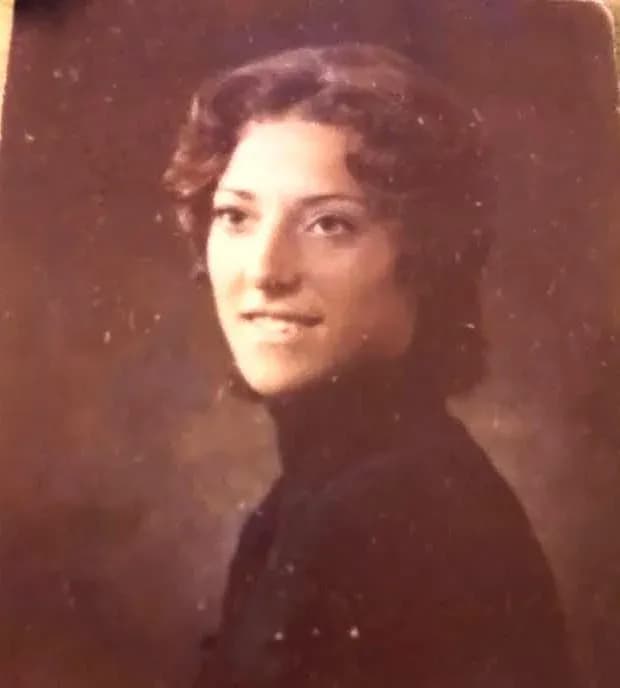
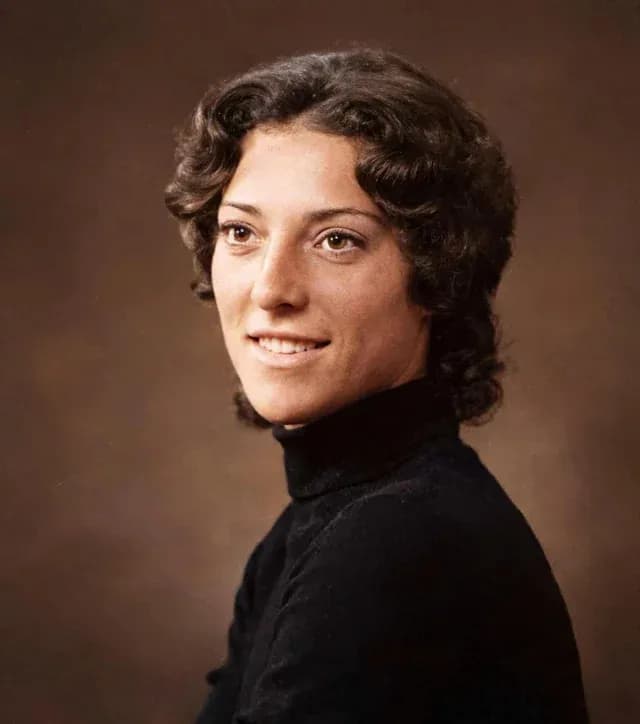
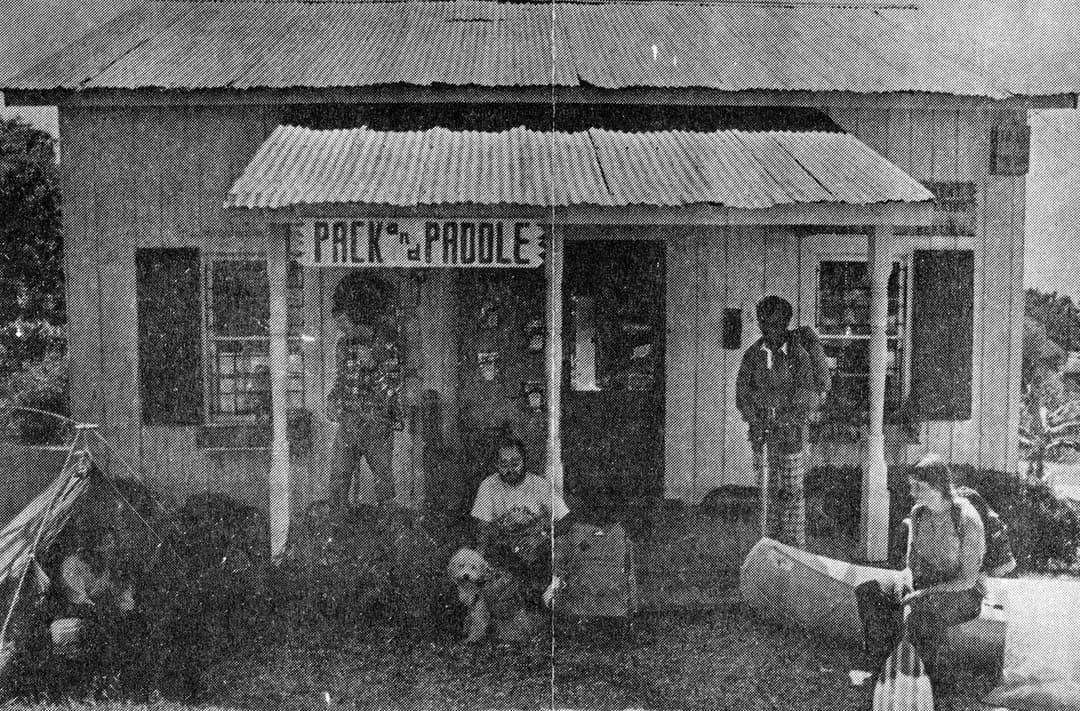
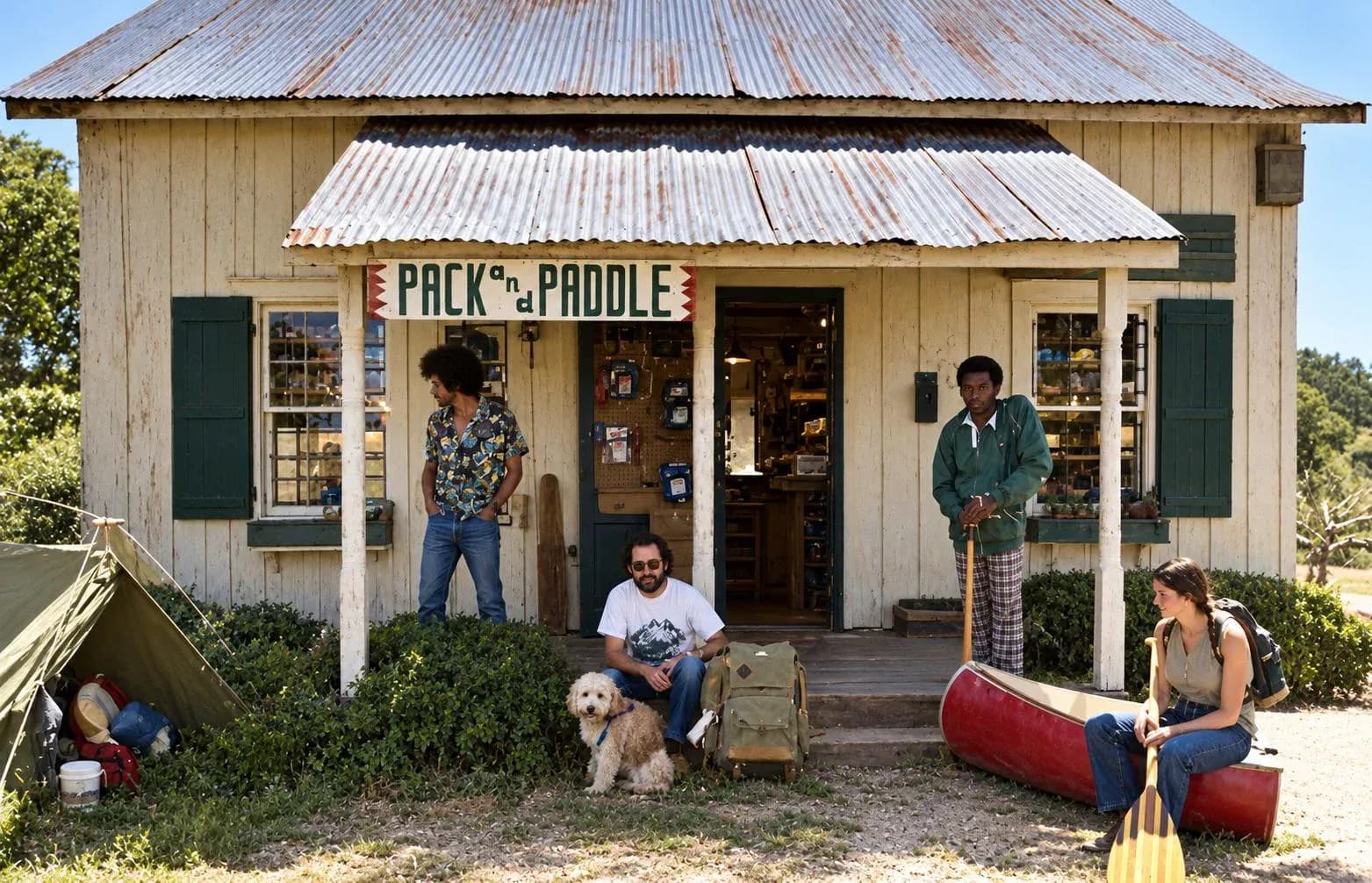
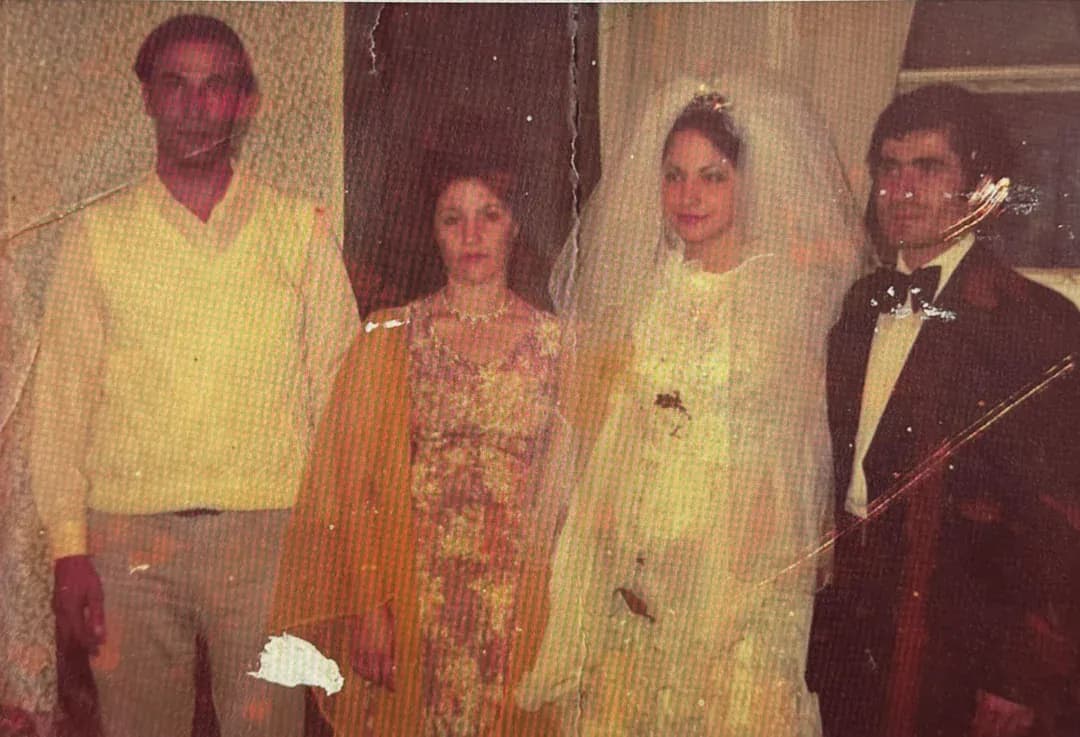
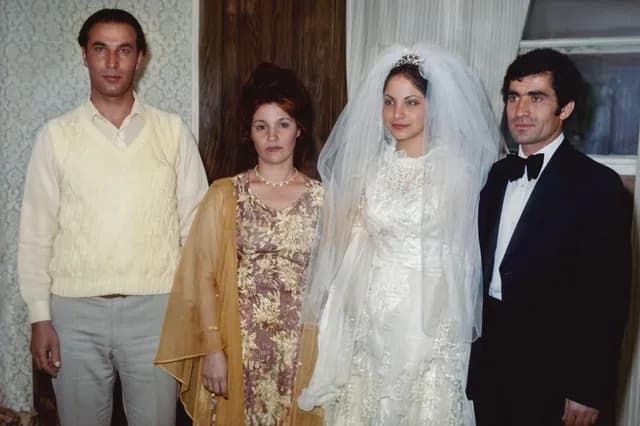
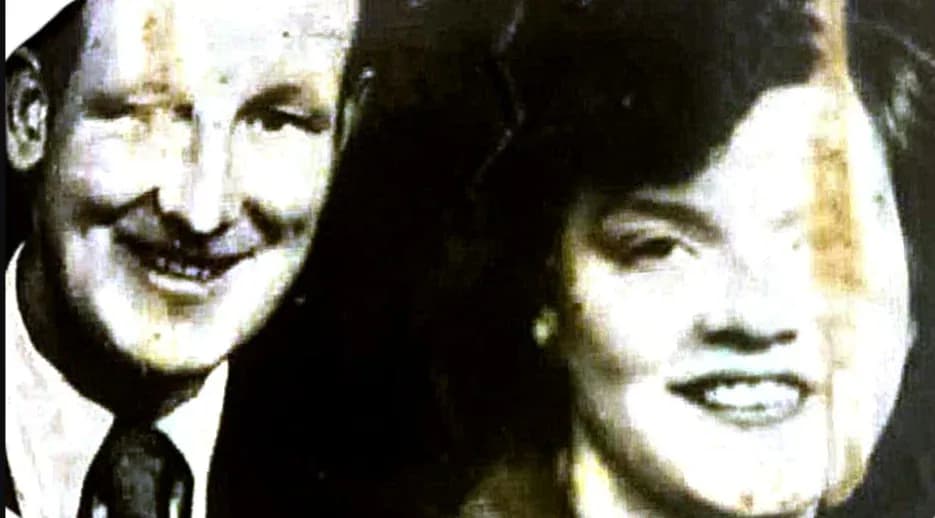
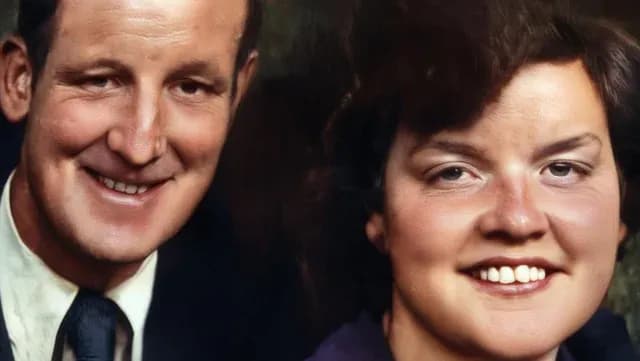
Black and white was a limitation of the film, not a choice the people in the photograph made. They saw the room in colour, the dress was a colour, the garden was green. Adding colour back is an attempt to show the scene as the people standing in it saw it, and for most families that is why the result lands harder than a sharpened black and white version of the same frame.
It is also an interpretation, and that is worth holding onto. The model predicts what the colours most plausibly were; it does not recover them, because a black and white negative never recorded them. Keep the original scan, say the colours are predicted when you share it, and the result is a lovely thing rather than a piece of invented family history.
How AI colorization works
Three steps, and the middle one is the whole trick.
- Upload the black and white photo. Scan the print, or photograph it flat in even light with your phone. JPG, PNG, HEIC and WEBP all work.
- Pick the Colorize style. The AI segments the scene, identifies what each surface is, and predicts the color that surface most plausibly had.
- Download the color version. The finished image comes back at 1080p with no watermark, usually in under 30 seconds. Your original is never altered.
What the model is doing is recognising surfaces. It has seen an enormous number of photographs in which skin, sky, grass, brick, wood and wool appear in colour, so given a grey surface and the context around it, it can predict the colour that surface usually has. That works because most of the world sits in narrow colour ranges. It stops working the moment a surface could plausibly be anything, which is the subject of what it knows and what it guesses.
What you actually get
Colorize is one of six styles in a browser-based tool. There is no app to install and no editor to learn: you upload a photo, pick what is wrong with it, and download the result. The styles cover the things that actually happen to old photographs.
- Colorize1 credit
- Black and white or sepia to full color, predicted from the scene.
- Restore1 credit
- Scratches, creases, tears, water stains and fading removed.
- Enhance1 credit
- General quality: detail, contrast and tone on a tired print.
- Sharpen1 credit
- Out-of-focus shots, camera shake and soft scans rebuilt.
- Cleanup1 credit
- Dust, speckling and film grain taken off without flattening detail.
- Animate3 credits
- A restored portrait turned into a short video clip.
Every download is 1080p with no watermark on it. Results stay in your history for 30 days so you can come back and download again without paying twice, and then they are deleted. Credits are a one-time purchase and never expire, which matters because almost nobody restores photos steadily: people do twenty the week a shoebox turns up and nothing for six months.
What it costs to colorize a photo
One credit colorizes one photo, and a credit is between $0.44 and $0.70 depending on how big a pack you buy. There is no subscription and nothing renews.
| Pack | Photos | Price | Full 1080p | No watermark | Never expires | |
|---|---|---|---|---|---|---|
| Basic | 10 | $6.99$0.70 each | Full 1080p: included | No watermark: included | Never expires: included | Buy |
| Plus | 25 | $16.99$0.68 each | Full 1080p: included | No watermark: included | Never expires: included | Buy |
| Probest value | 50 | $29.99$0.60 each | Full 1080p: included | No watermark: included | Never expires: included | Buy |
| Studio | 100 | $54.99$0.55 each | Full 1080p: included | No watermark: included | Never expires: included | Buy |
| Max | 250 | $109.99$0.44 each | Full 1080p: included | No watermark: included | Never expires: included | Buy |
One credit restores one photo. Every pack includes the same everything: nothing is held back for the larger ones, and the only difference is how many photos you get.
Where the credit goes
The price only means something next to what actually happens, so here is the whole loop. You open the app, drag a photo in, and pick a style from the list in what you get. Colorize is the one you want for a black and white print; Restore is the one for a damaged print, and it repairs and colours in the same run. You can queue several photos at once.
The model then does the work described in how it works, which takes about thirty seconds. One credit comes off when a photo finishes, not when you upload it, so a failed job costs you nothing. The download is 1080p with a drag-to-compare view against your original, and there is no watermark on it at any pack size.
An animation costs 3 credits rather than one, because it is a video model. There is a 30-day money-back guarantee, and if you are weighing the automated options against each other, we put seven of them side by side in the photo restoration app comparison.
Us against the other colorizers
We are not the only way to do this and the comparison people actually make is never six-way: it is us against whichever tool they already had open. Here are the three that come up, with the case for them put as plainly as the case for us.
| Tool | Pick them when | Pick us when |
|---|---|---|
 Palette.fmChecked 3 November 2026 | Color is all you need and you want a big export. Their paid output goes to 5000x5000 pixels against our 1080p, and at $72 a year for 480 credits they work out at $0.15 a photo, cheaper per image than any pack we sell. | The print is damaged as well as grey. Colorizing a scratched photo colors the scratches, so the repair has to happen first, and Palette does not repair. Their free plan also resizes to 500x500 and stamps a logo on it. |
 MyHeritage In ColorChecked 3 November 2026 | You already pay for the Complete plan at $149 a year, which makes In Color, Photo Enhancer and Photo Repair free to you and attaches results to your family tree. | You want the photographs done and have no interest in records. $149 a year is a lot of genealogy to buy for a shoebox of prints. |
| PhotoshopDoing it by hand | One specific color has to be right, you know what it was, and you have two to four hours for the photograph. Nothing automatic will beat a careful hand. | You have thirty photographs and an evening. The honest trade is twenty good results tonight against one perfect result this weekend. |
Every figure here was read off the vendor's own pricing page on 3 November 2026. Each “pick them” is a real case where we are the wrong answer.
The pattern worth taking from that: if the photograph is only grey, a dedicated colorizer is a fair choice and one of them is cheaper per image than we are. If the photograph is grey and damaged, which most prints from a shoebox are, doing both in one pass is not a convenience, it is the difference between color and colored scratches.
What it knows, and what it guesses
This is the section most colorizer pages leave out, and it is the one that decides whether you will be happy with the result. Some parts of a colorized photo are close to certain. Others are a confident invention. Knowing which is which is the difference between a photo you hang and a photo you would wrongly treat as evidence.
| In the photo | Why | Trust it? |
|---|---|---|
| Skin, lips and hair | Fall in narrow natural ranges | reliable |
| Sky, grass, foliage and water | One plausible color each | reliable |
| Wood, brick, stone and terracotta | Material reads from texture | reliable |
| Uniforms and period clothing | Dyes of the era are documented | reliable |
| A specific dress, tie or car | No record of it survives | invented |
| Paint on a door or a bedroom wall | Any color was possible | invented |
| Eye color, on a print that lost it | Too little detail left to read | invented |
| Anything only ever shot on black and white film | Never recorded in the first place | invented |
The practical rule that follows: keep the original scan. That file is the document. The colorized version is the one you print, share and put in the album, and it is worth telling relatives that the colors are an interpretation. Nobody minds, and it stops a predicted blue dress becoming family fact two generations later.
What to expect, by era
Photographs from different decades behave differently, because the process that made them left different information behind. This is the shortest honest summary of what to expect from each.
- 1840s–1880sDaguerreotypes and tintypes
- The hardest case. A metal plate with a mirror sheen, low tonal separation and usually a century of surface damage. Restore first, always, and expect a muted palette: there is often not enough information for the AI to commit to strong color.
- 1880s–1920sVictorian and Edwardian studio portraits
- Good results. Studio lighting gives clean tonal separation, and formal clothing of the period is well represented. Backdrops are painted canvas and often come back as a plausible but invented wash, which is fine, because the original was a prop anyway.
- 1930s–1950sSilver gelatin prints and sepia
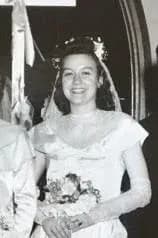
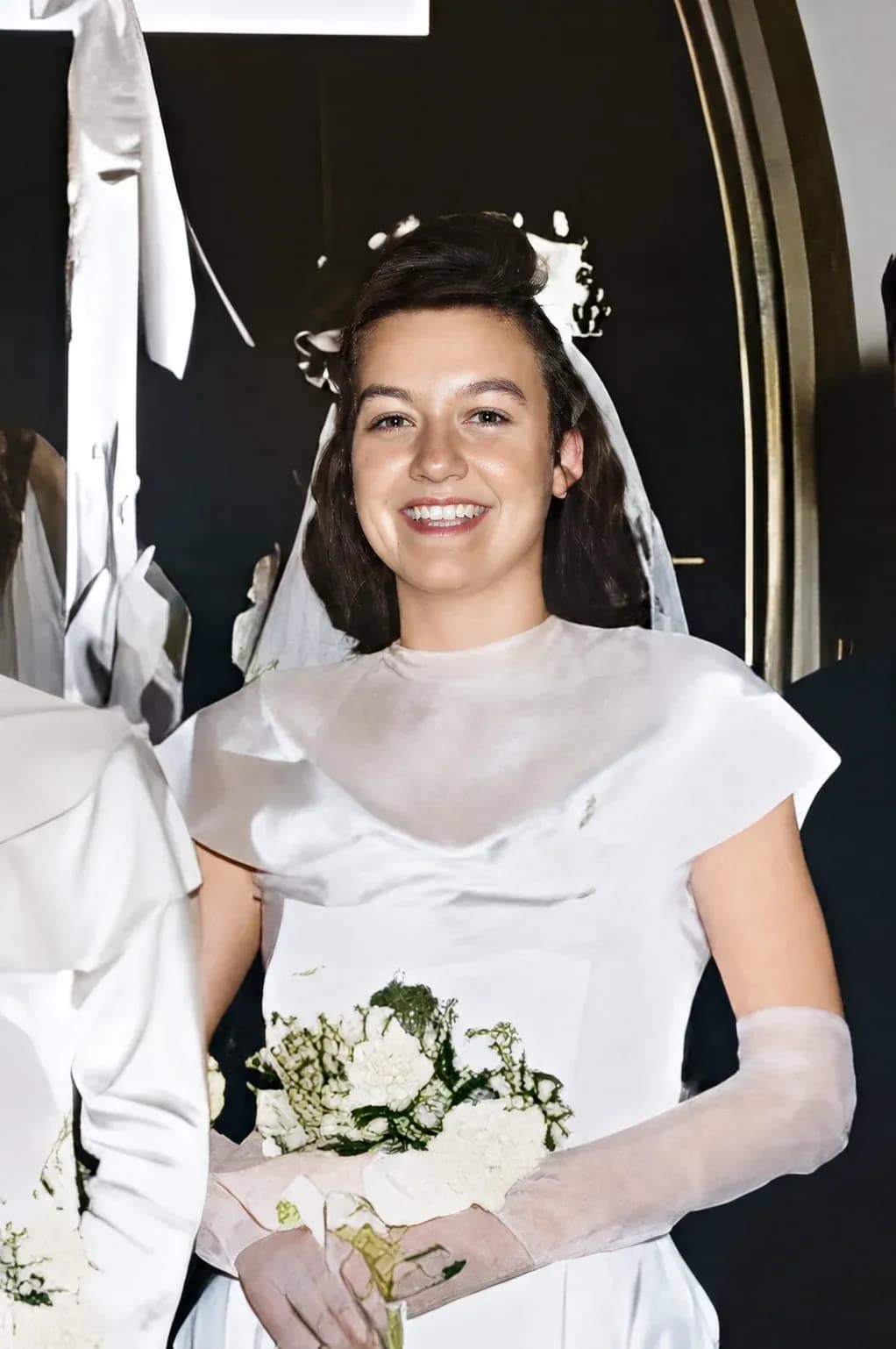
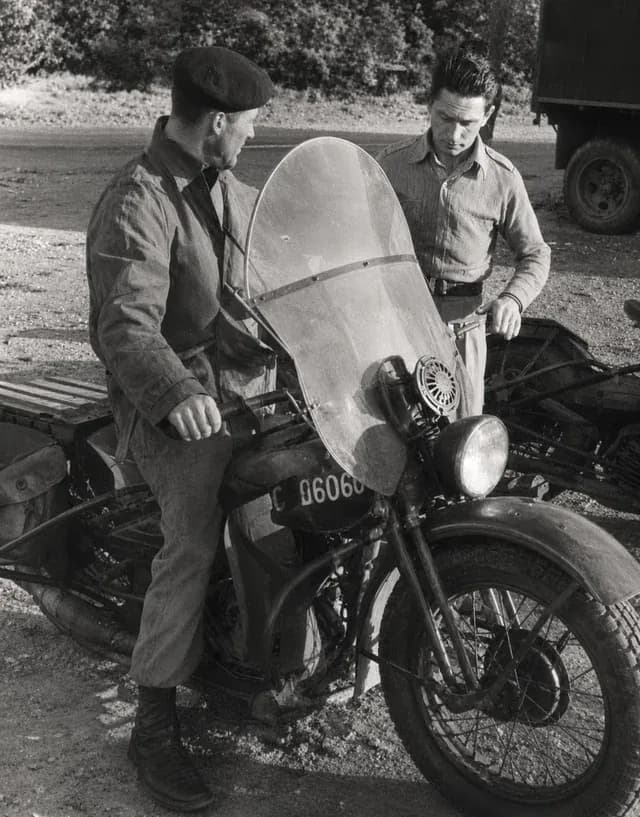
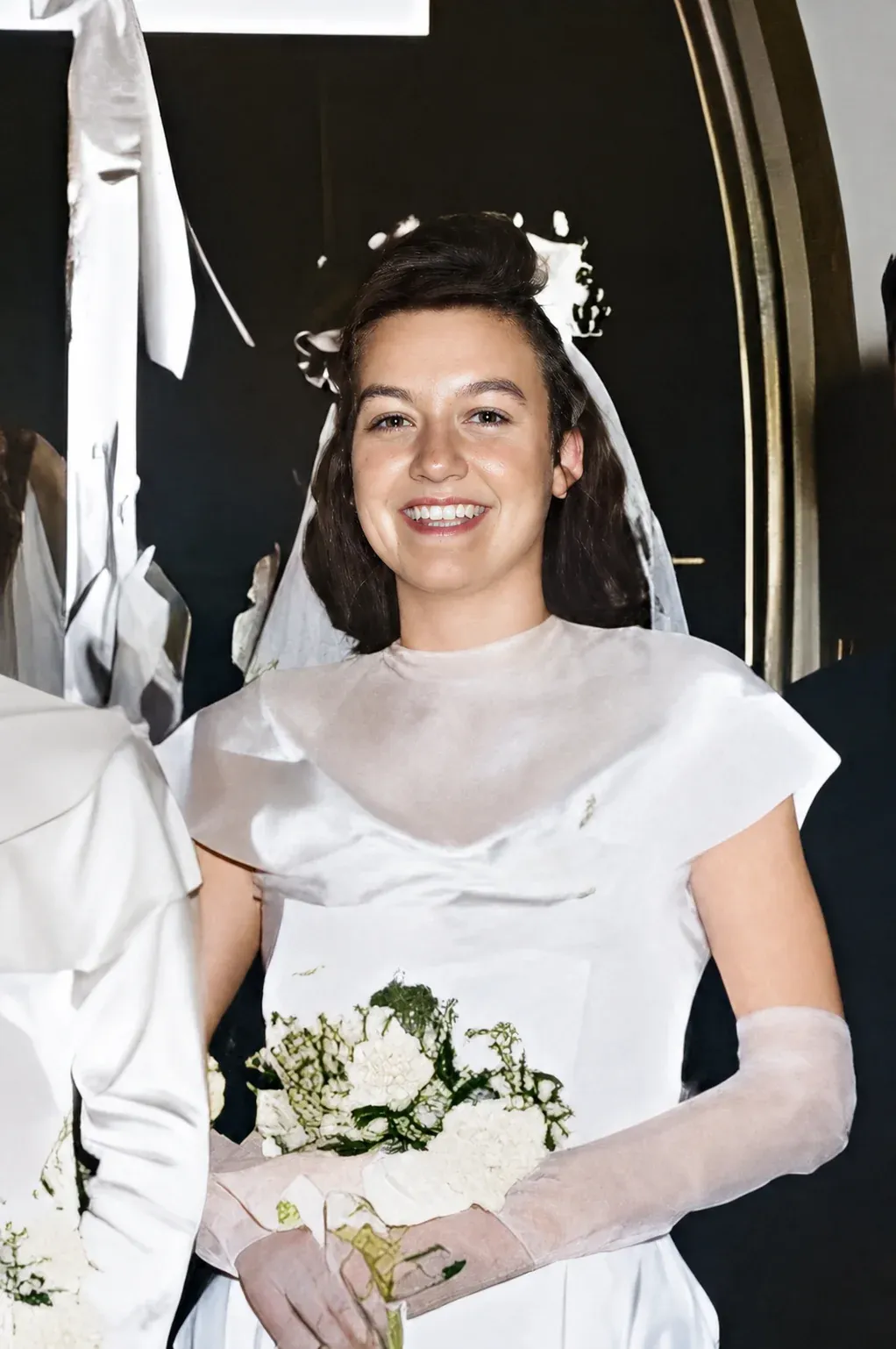
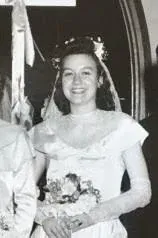
- The sweet spot. Wedding portraits, military photographs and family groups from this period colorize most convincingly: skin tones land, uniforms and period dyes are well known to the model, and the contrast in the print is exactly what the prediction needs.
- 1950s–1980sLater black and white and faded color
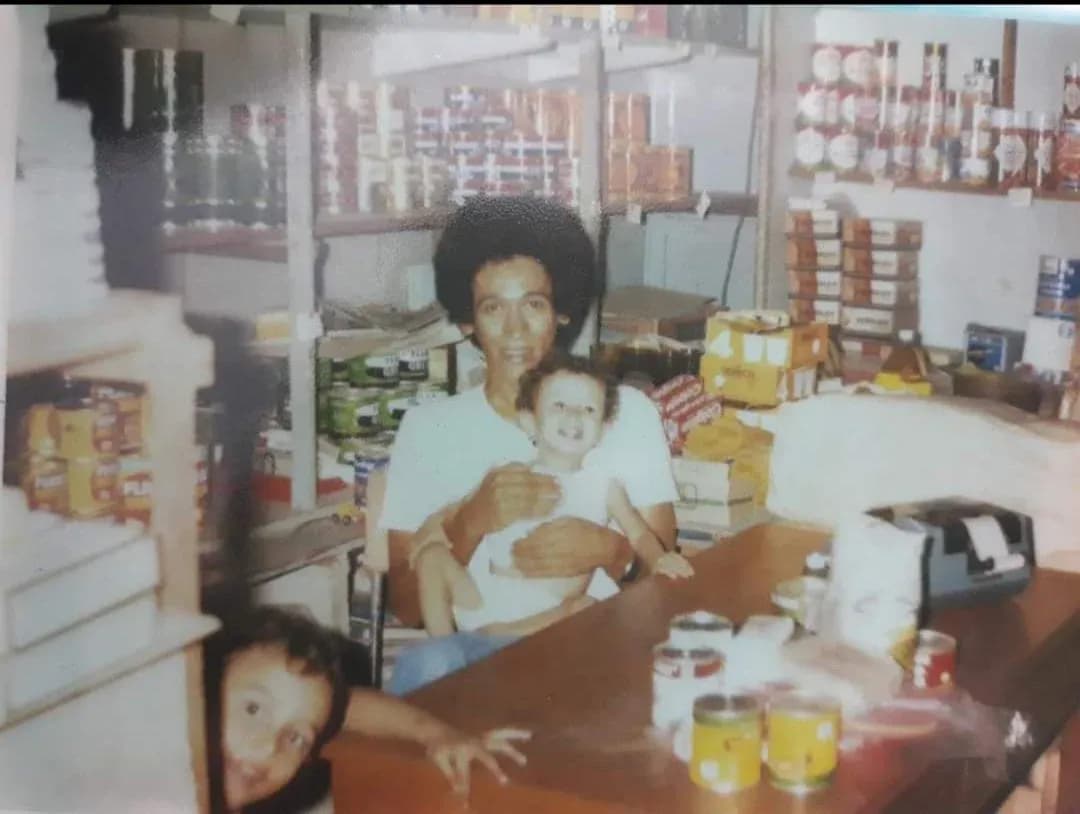
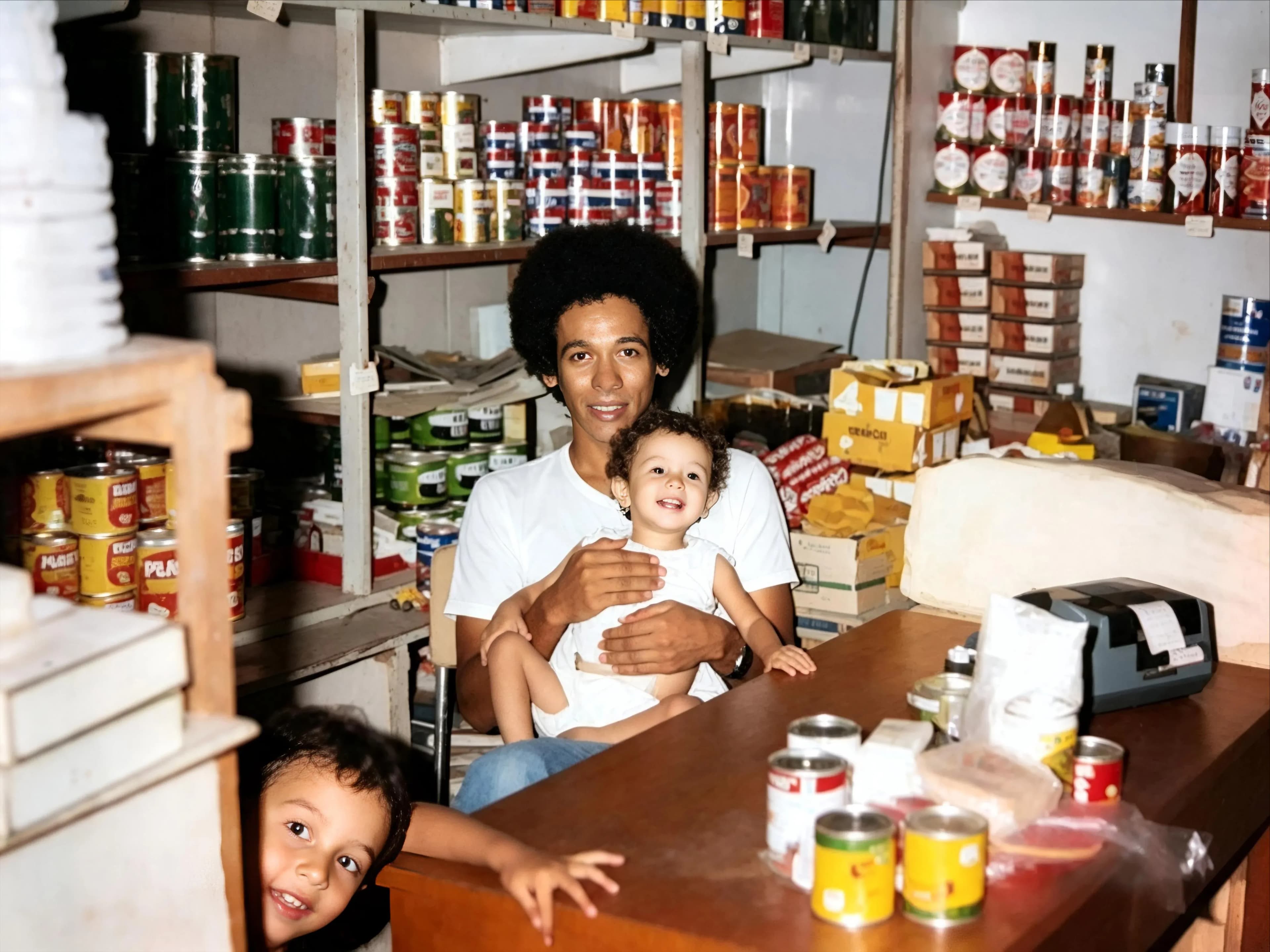
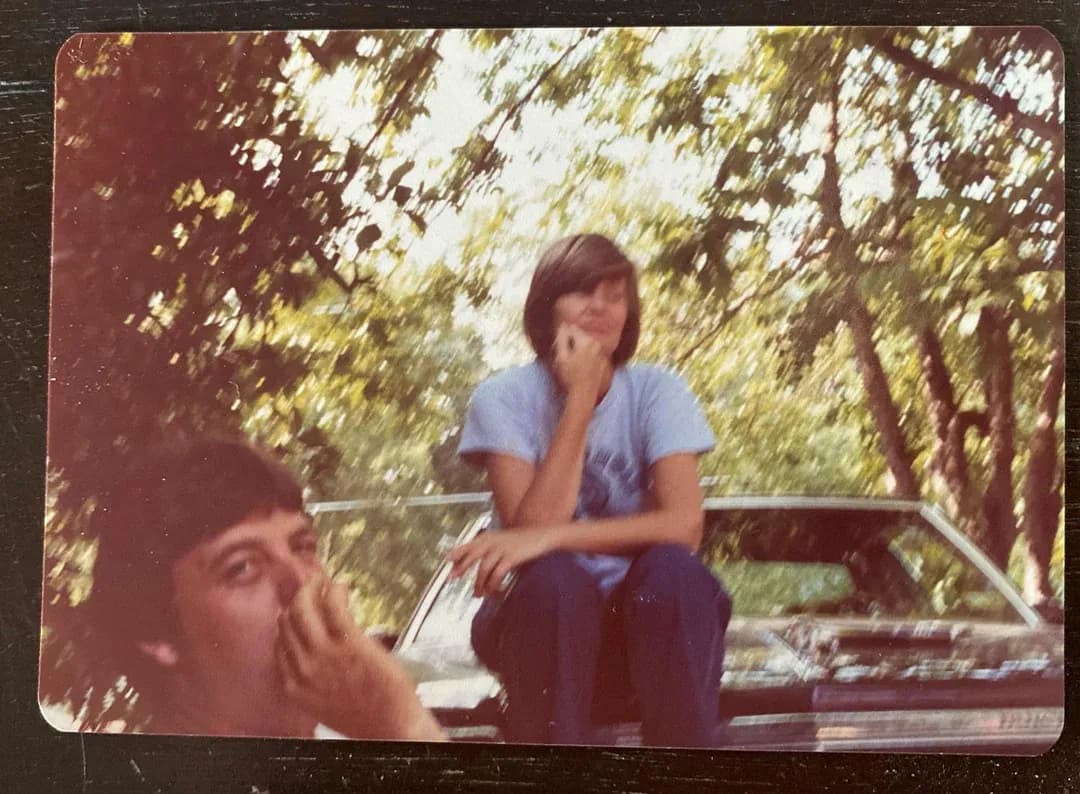
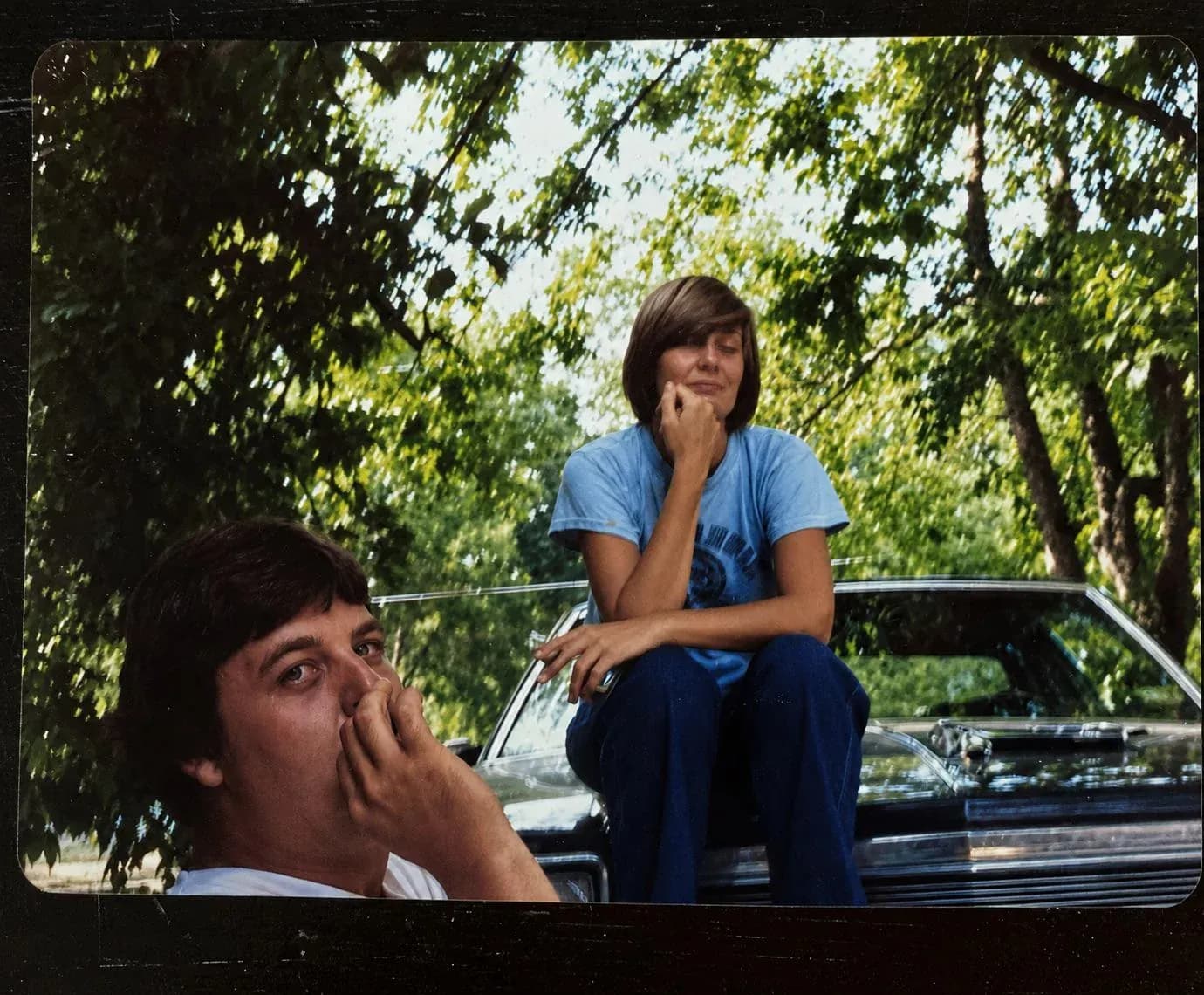
- Easy, with a caveat. Monochrome from this era colorizes cleanly. If the print is actually faded color rather than black and white, pick Restore instead: the color data is still in there and recovering it beats predicting it.
Doing it by hand in Photoshop
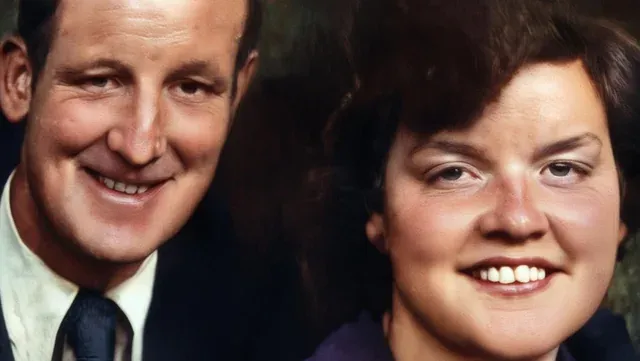
It is a fair question, and the honest answer is that Photoshop will beat any AI on a photo that matters, if you have the hours. There is no Colorize button: the manual method is to select each region, add a Solid Color or Hue/Saturation adjustment layer set to Color blend mode, and paint in a mask. Skin, then hair, then each garment, then the background, with the layers kept separate so you can tune them.
That is roughly two to four hours per photograph for someone who knows what they are doing, and an evening of frustration for someone who does not. It is also why a professional colorist charges $50 to $150 per image. The trade is straightforward: by hand you decide every color and can match a dress to how your grandmother actually described it; with AI you get a plausible interpretation in 30 seconds for under a dollar.
The sensible split, if you own Photoshop: run the AI over the whole album, then hand-correct the two or three photographs where a specific color genuinely matters. Colorizing here and adjusting one region afterwards is far less work than masking the whole frame from scratch.
Colorizing from a phone
There is no app to download. The page works in Safari and Chrome on iOS and Android exactly as it does on a laptop, which is the point: the photo you want to colorize is usually a paper print on a table in front of you, and the camera is already in your hand.
Photograph the print flat, from directly above, in daylight away from a window reflection, with the flash off. That capture beats an angled snapshot by more than any setting in any tool, because the AI can only color what it can read. HEIC from an iPhone uploads fine, and so do JPG, PNG and WEBP.
Four things that change the output
Restore first, colorize second
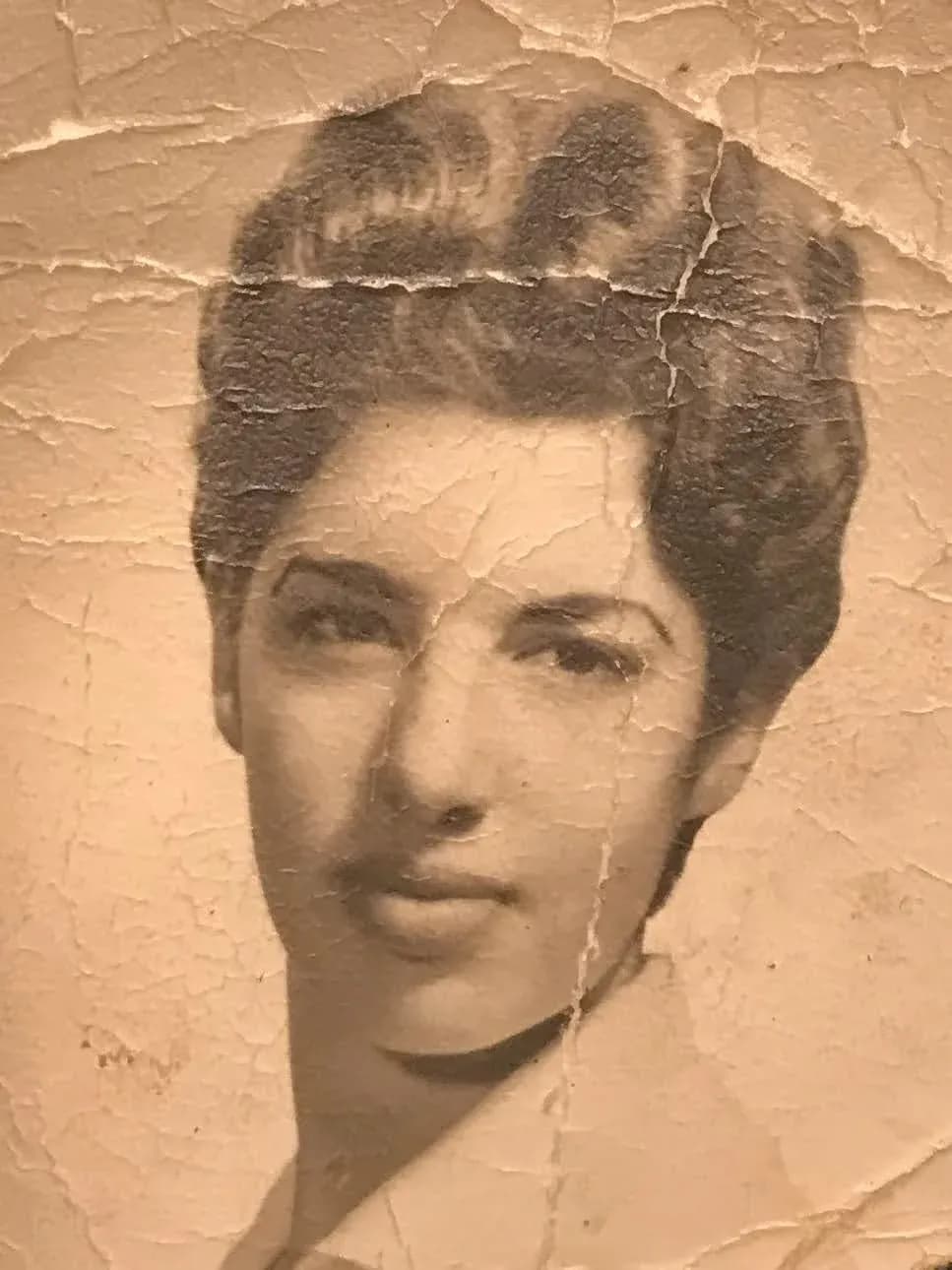
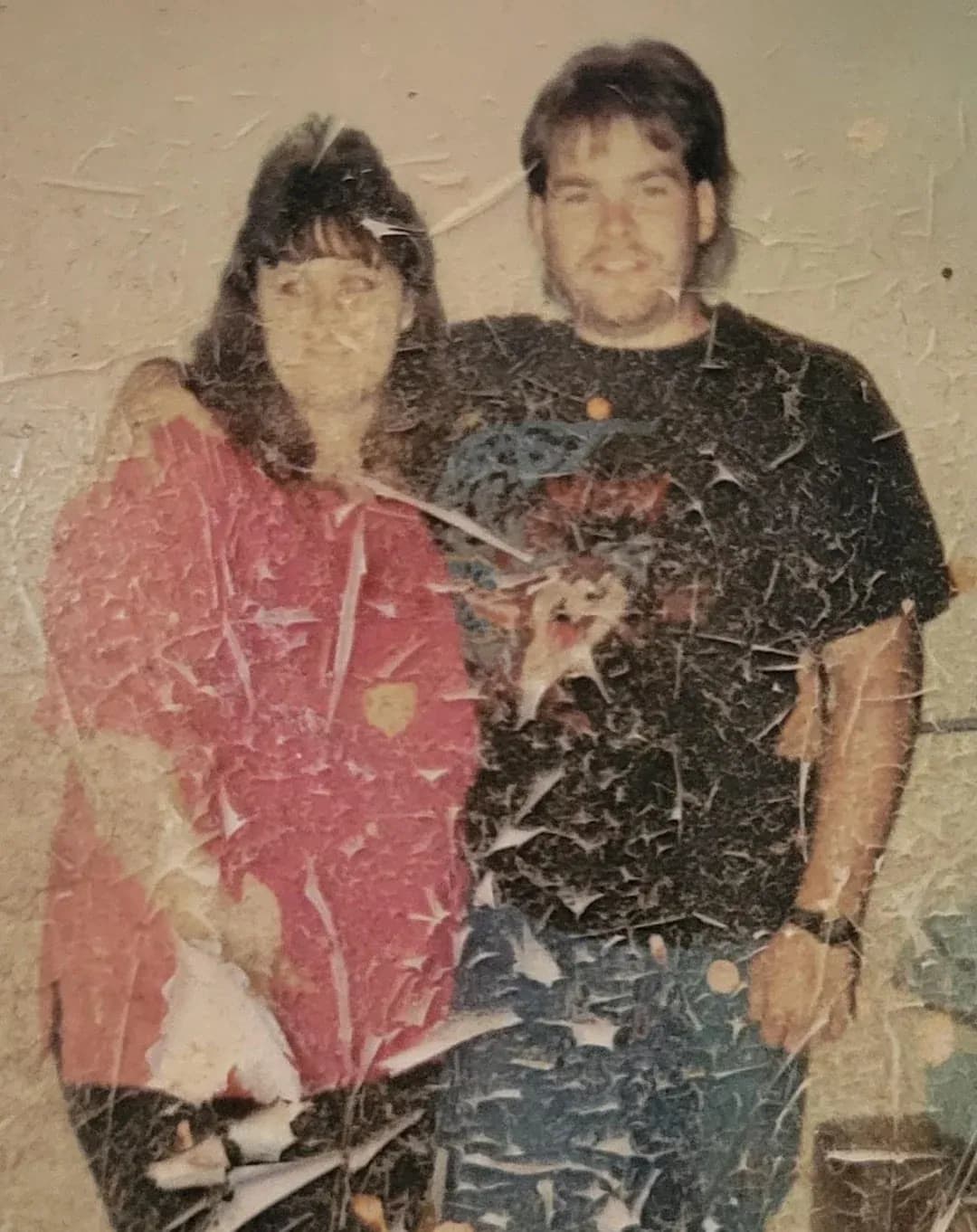
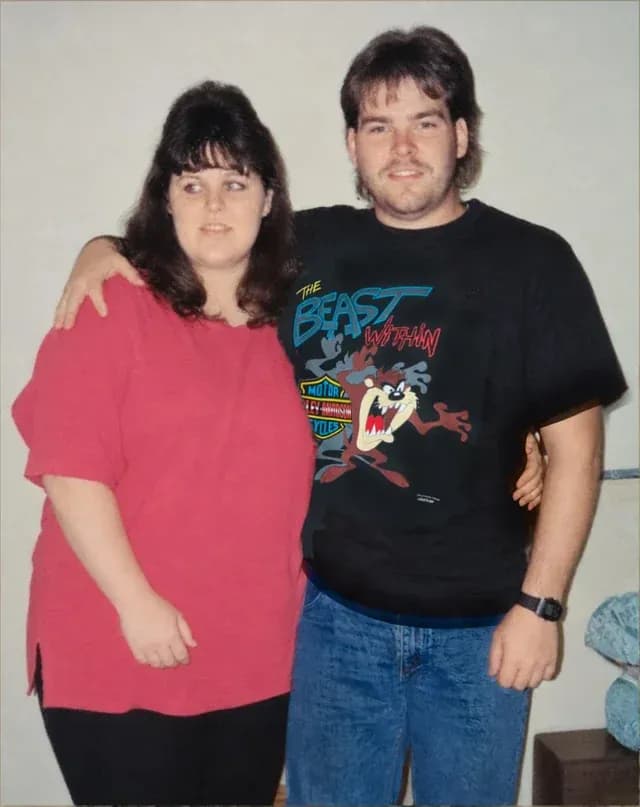
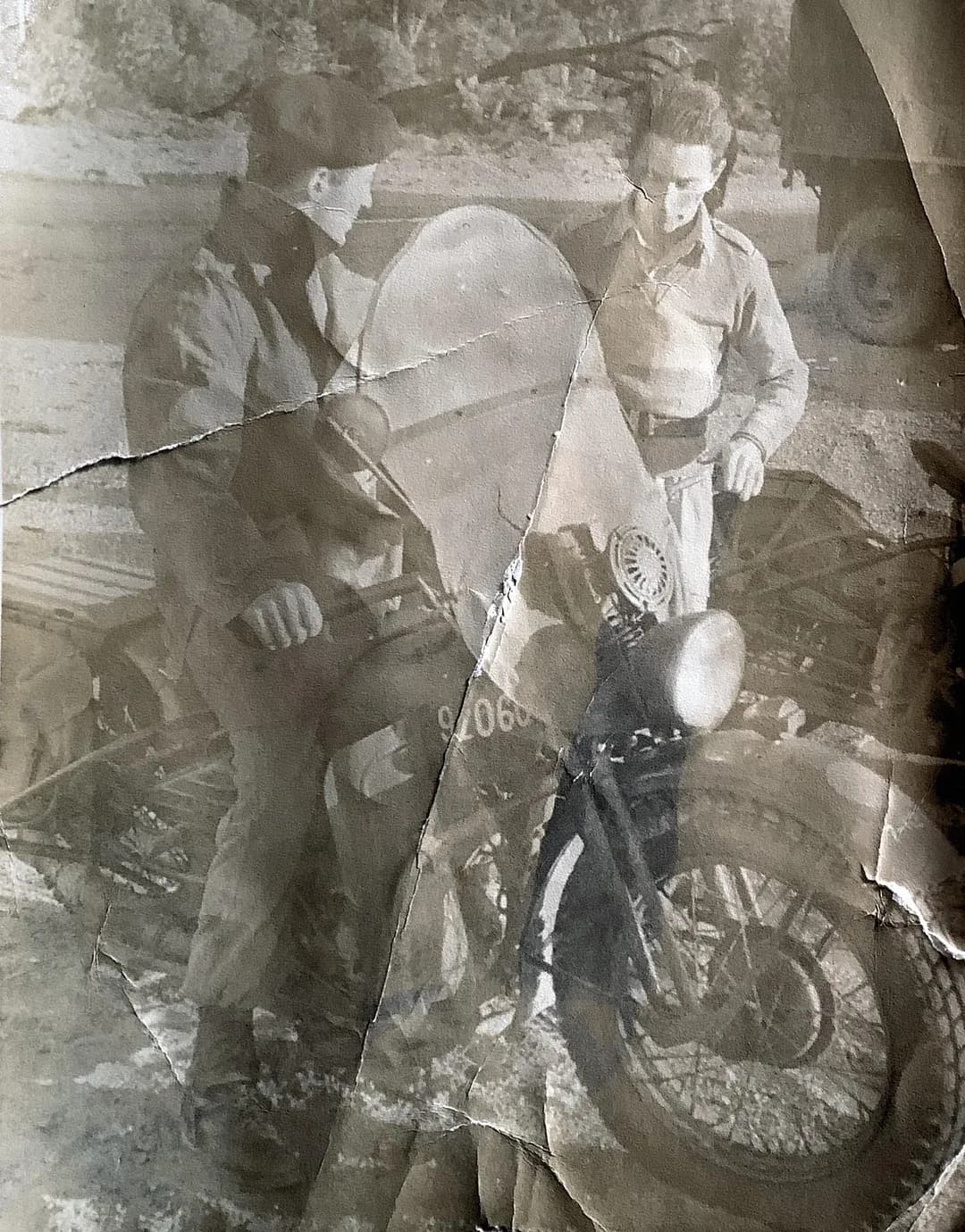
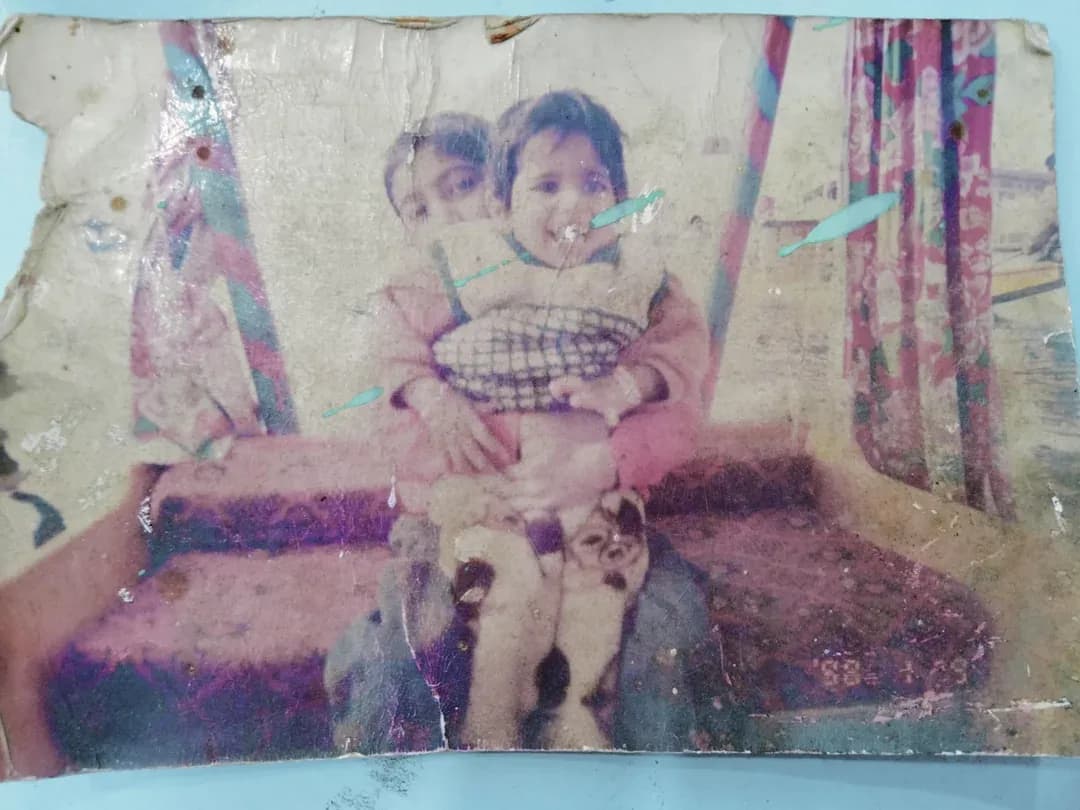
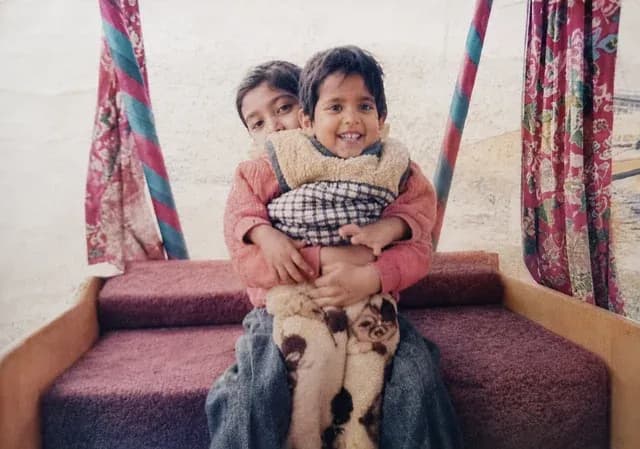
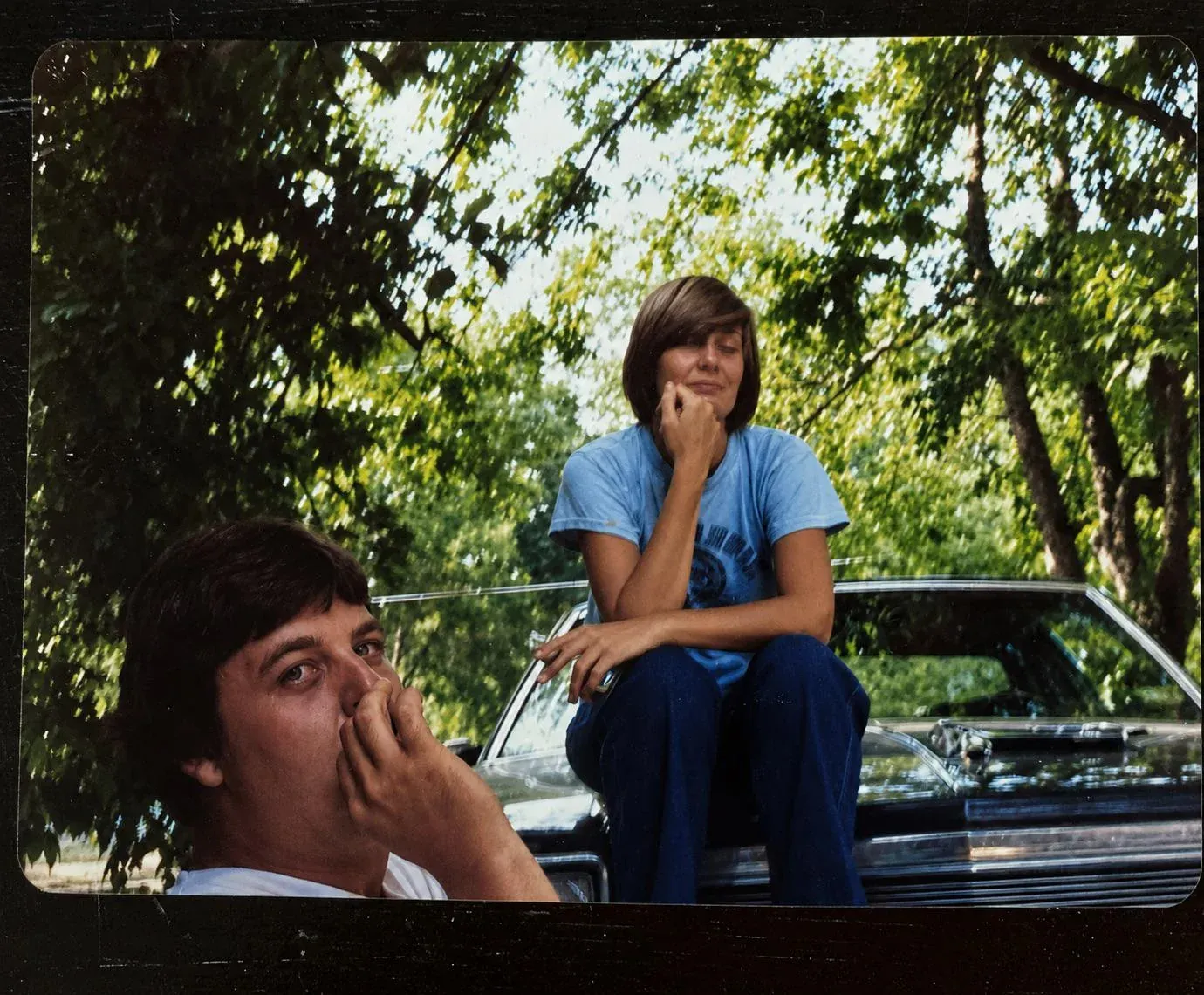
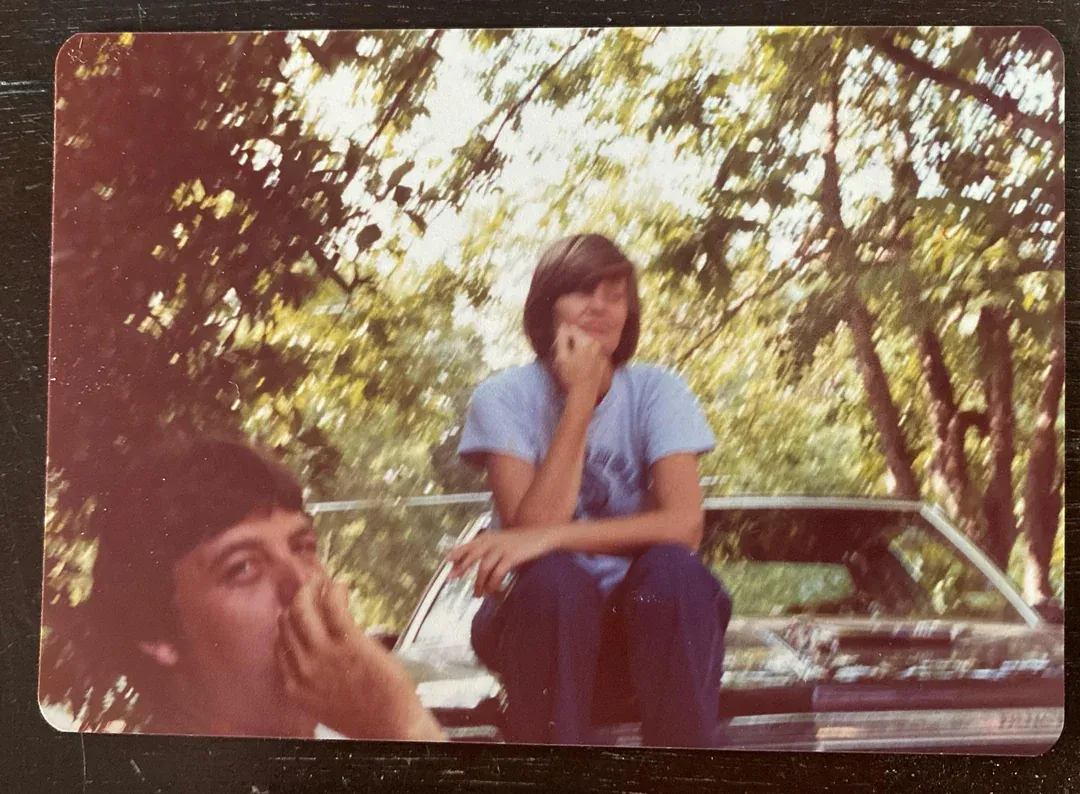
A white scratch across a cheek reads to the AI as part of the surface, and it gets colored like skin. Run the Restore style first, then colorize the clean version. Two credits, a noticeably better photo.
Light the print evenly
Lay it flat, turn off the flash, use window light and shoot straight down. A dark, angled capture with a glare patch gives the AI less to read than a flatbed scan, and the colorization follows the input.
Crop the border off first
White paper margins, album corners and scalloped edges are surfaces too, and the model will try to color them. Cropping to the image itself keeps its attention where you want it.
Judge it at full size
Colorization reads well on a thumbnail almost always. Open the download at 100% before you print, because that is where a wrongly predicted edge or a flat patch of background shows up.
Questions people ask first
How do I colorize a black and white photo?
Upload it, pick the Colorize style, and download the result. There is nothing to install and nothing to adjust by hand: the page runs in your browser, the AI runs on our servers, and most photos come back in under 30 seconds at 1080p. If you are starting from a paper print, a flat, evenly lit phone photo of it is enough, and a flatbed scan is better. Credit packs start at $6.99 for 10 photos, with no subscription.
Are the colors accurate?
They are plausible, not recorded. The AI has learned what skin, hair, foliage, brick, denim and wool normally look like, and applies that with good judgment. What it cannot do is know the true color of a dress, a car or a front door that only ever existed on black and white film. Treat a colorized photo as a faithful interpretation of the scene rather than a historical record, and keep the original scan: that file is the document, the colorized version is the one you share.
Can I colorize an old photo that is also damaged?
Yes, and the order matters. Restore it first, then colorize the restored version. Scratches, creases and dust confuse the color prediction, because the AI reads a white scratch across a cheek as part of the surface and colors it accordingly. Running Restore first removes the damage, and the colorization that follows has clean shapes to work with. Both passes cost one credit each.
Does it work on sepia, tintypes and daguerreotypes?
Yes, with different results by era. Sepia carries a brown cast the model has to look through, and does well. Tintypes and daguerreotypes are harder: low contrast, a metallic sheen and often heavy surface damage give the AI less to read, so restore first. Mid-century black and white, from roughly the 1930s to the 1970s, is the easiest case in the whole range, because the tonal separation is good and the clothing and settings are well represented in what the model learned from.
Is there a free photo colorizer without a watermark?
Not currently. Credit packs start at $6.99 for 10 photos and nothing renews. It is worth knowing what most "free" colorizers cost instead: a watermark stamped across the result, a download capped at a few hundred pixels, or a credit card for a trial that quietly becomes a monthly charge. Every download here is full resolution and unmarked, with a 30-day money-back guarantee.
What resolution do I get, and can I print it?
Colorized photos come back at 1080p, the same resolution as a Full HD screen, which covers standard photo prints, digital frames and anything posted online. Two things decide how the print looks: the output resolution, which is handled for you, and the quality of what you upload, which is not. A flat, evenly lit capture beats a dark angled one by a wide margin. Open the download at full size before ordering anything large.
Can I change a color the AI got wrong?
Not directly, and we would rather say so than imply an editor that does not exist. There is no per-object color picker here: you get one predicted interpretation of the whole frame. If a specific garment matters and the AI reads it differently from how you remember it, colorize here and adjust that one area in any image editor afterwards, or hand the photo to a human colorist for work where accuracy is the point.
Can ChatGPT colorize a photo?
It will try, and for a quick look it sometimes does well. Two things make it the wrong tool for a photograph you care about. It regenerates the image rather than coloring the one you gave it, so faces drift and details move, which is exactly what you do not want on a photograph of a real person; and the output comes back at whatever size the model produces, not at the resolution of your scan. A dedicated colorizer keeps the original pixels and only adds color to them. If you want to test the difference, run the same print through both and compare the faces at full size.
Do I have to sign up or install anything?
No install: it runs in any browser on a laptop or a phone, including Safari and Chrome on iOS and Android. An account is needed to hold your credits and your 30-day history, which also means you can re-download a result without paying for it twice. There is no app to download and no desktop software, and nothing about the page needs a fast machine, because the AI runs on our servers rather than yours.
What happens to my photo after I upload it?
It travels over HTTPS and is stored privately on Cloudflare R2. Originals and results are kept for 30 days so you can get back into your history and re-download without paying twice, then they are permanently and automatically deleted. We never share photos with third parties and never use them to train AI models. The flip side is worth stating plainly: after 30 days the deletion is permanent and we cannot recover an image, so download and back up what you care about.