

Restore old photos with AI in 30 seconds
Scratches, creases, blur and fading, gone in one pass. Upload a damaged, faded or black and white photo and the AI rebuilds faces, sharpens detail and brings back color. Works from a scan or a phone photo of the print.
What it fixes
Repair, colorize and sharpen
old photos
Restore and colorize
Repair the damage and add the color in one pass.
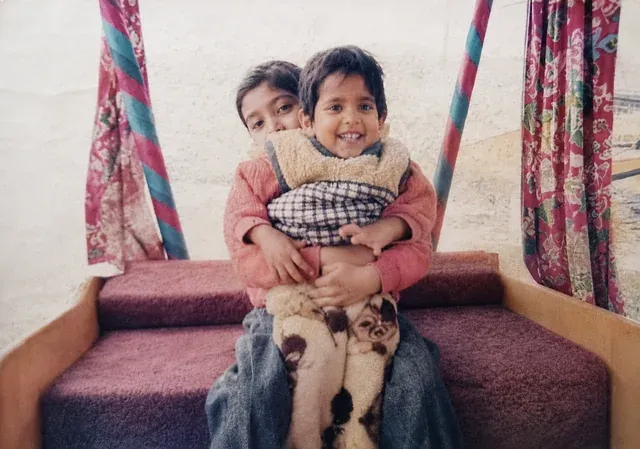
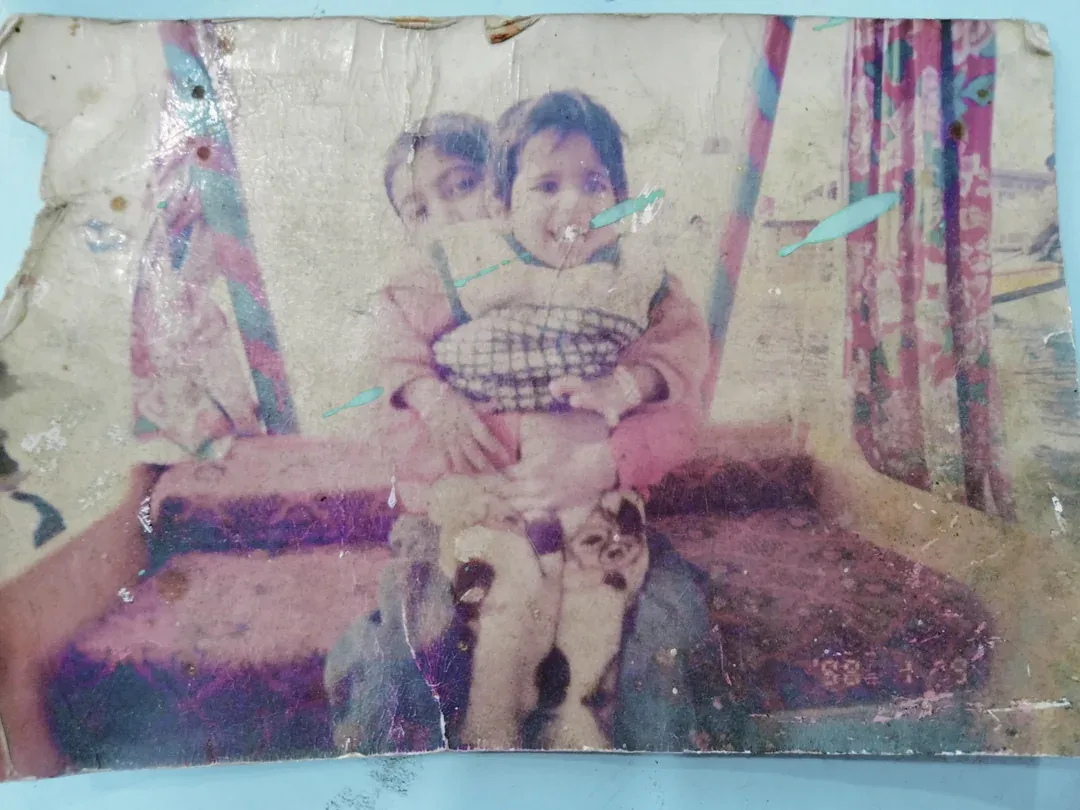
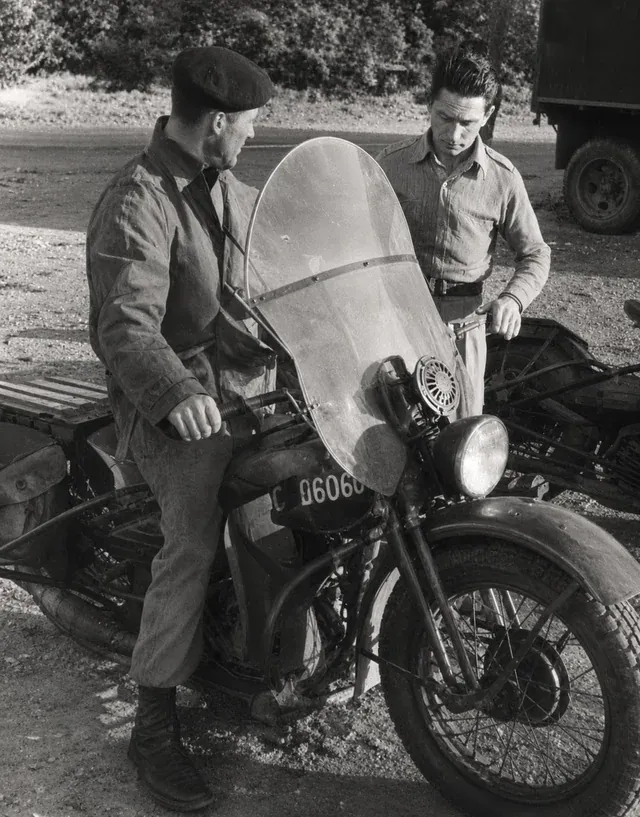
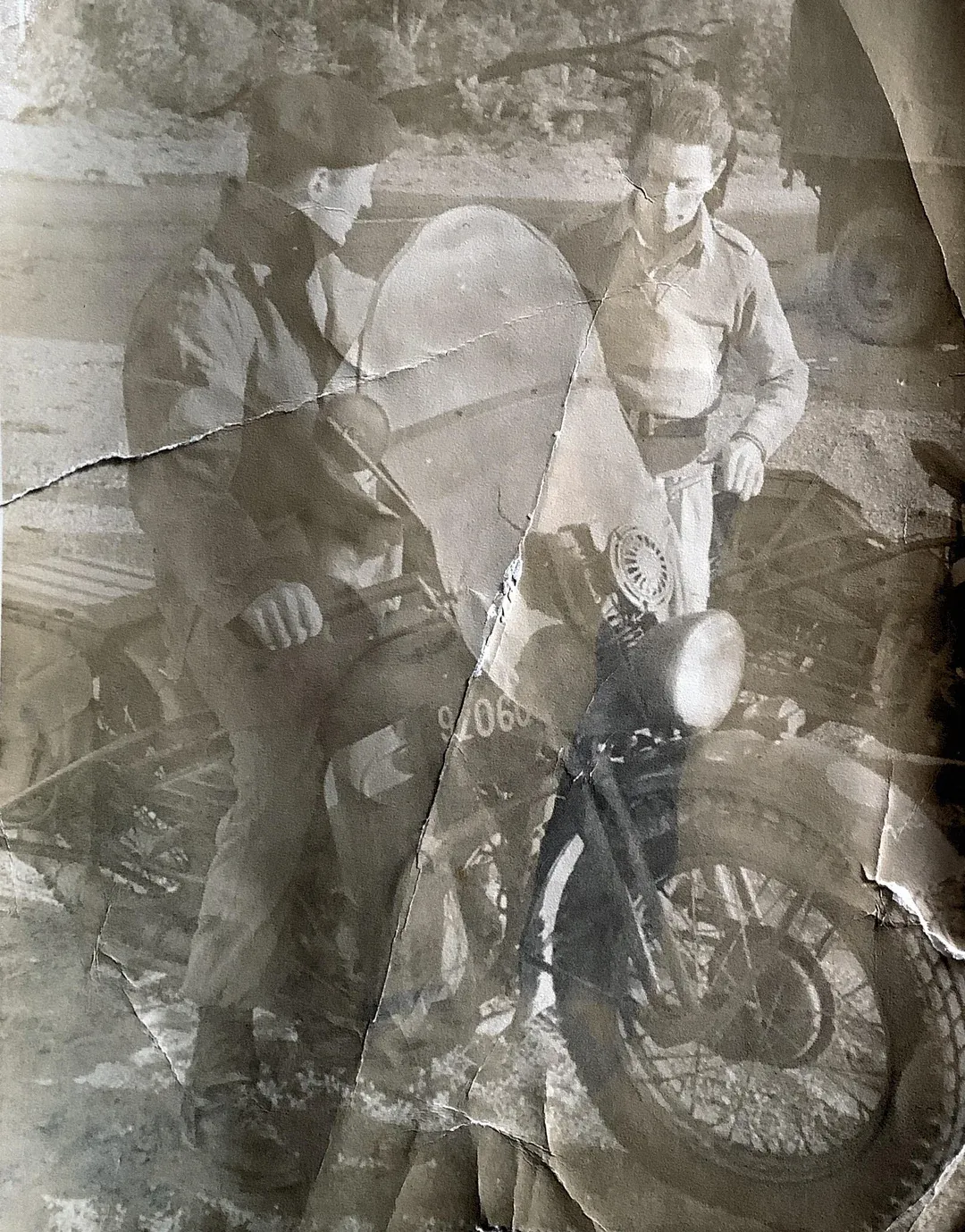
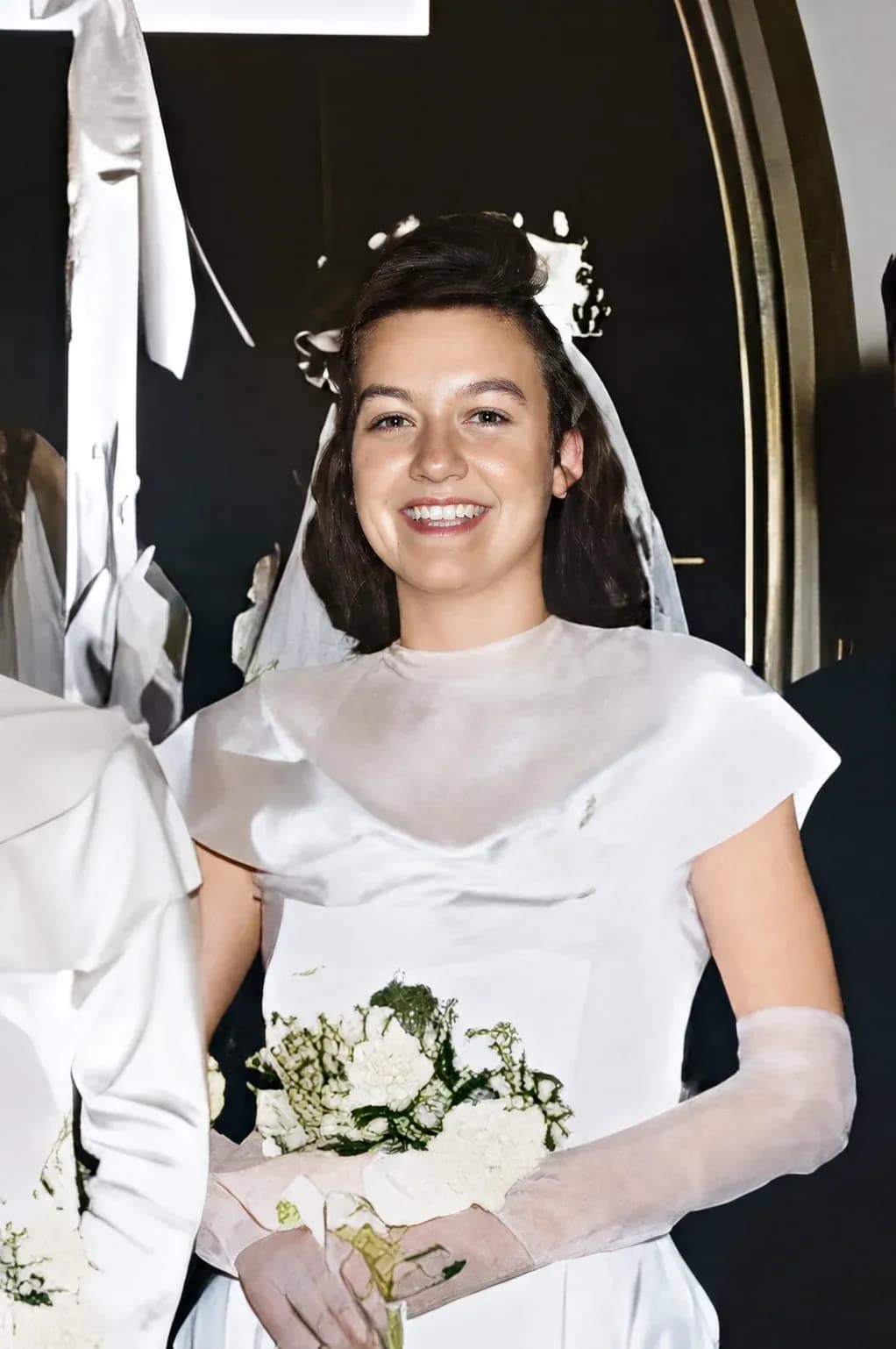
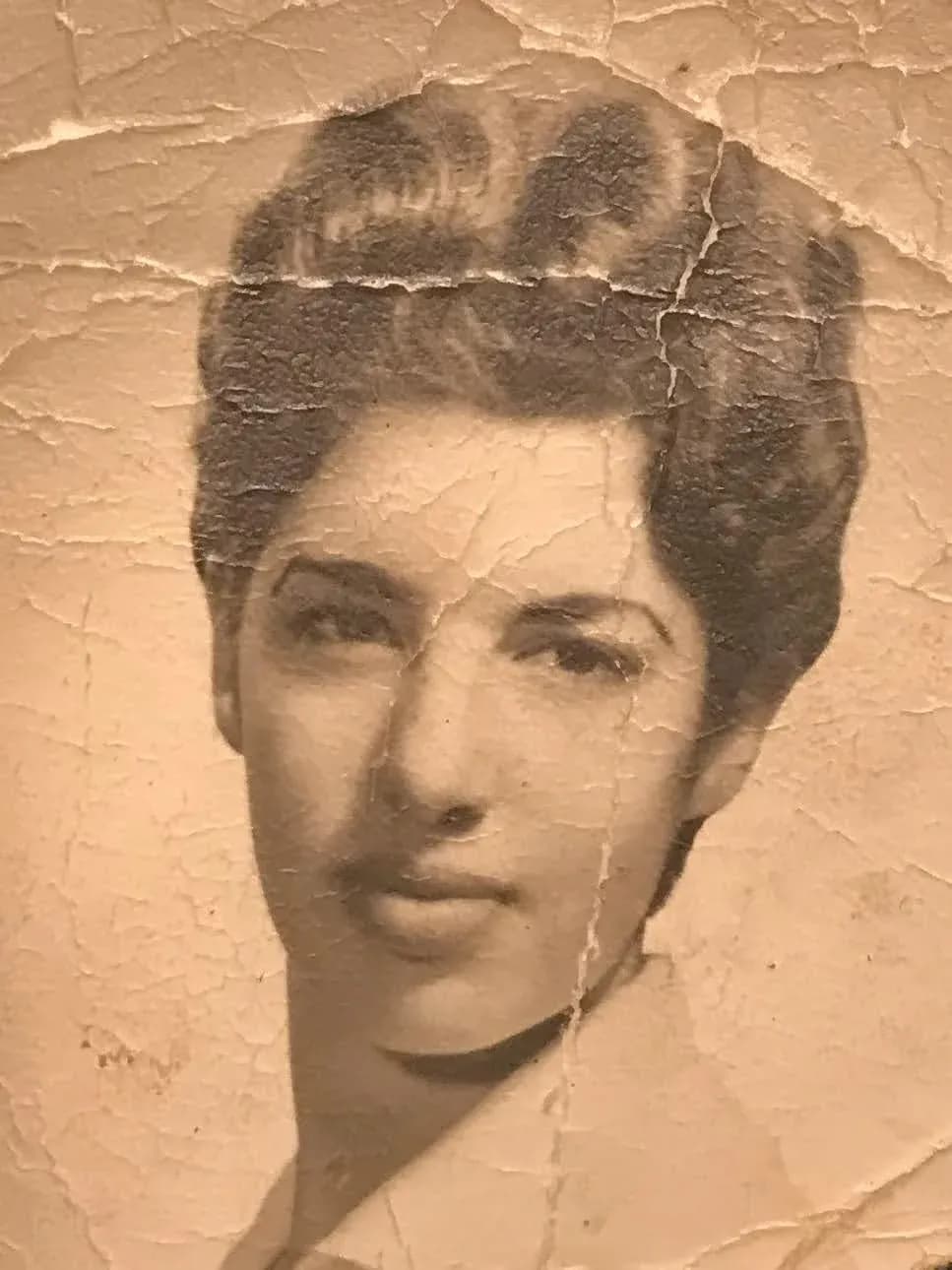
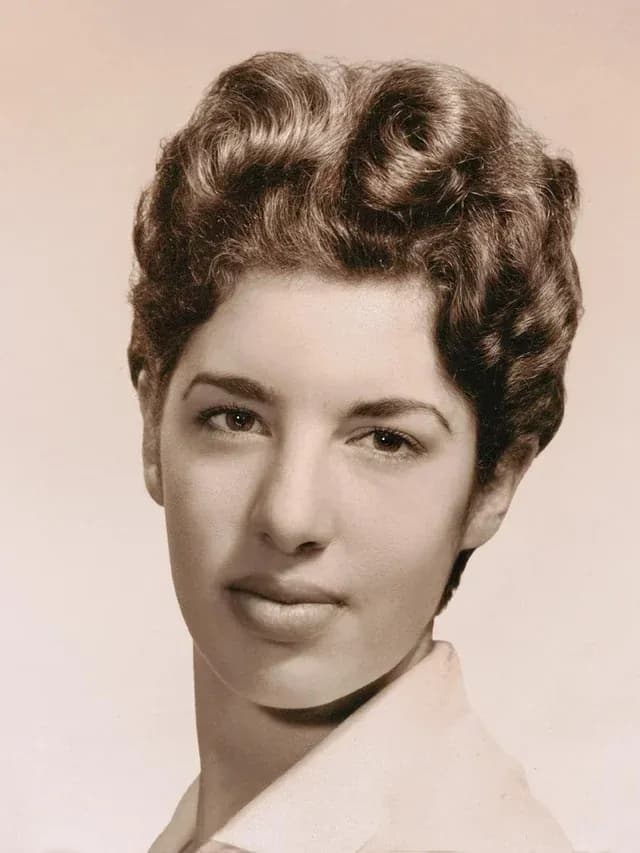
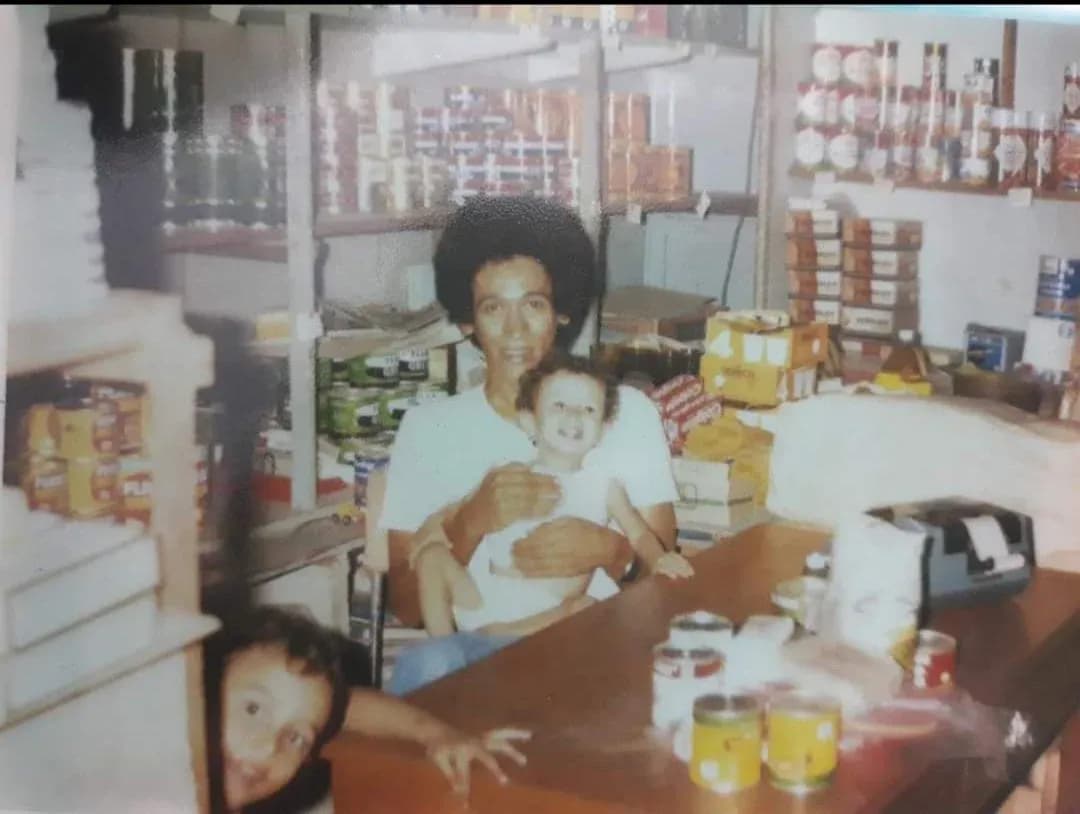
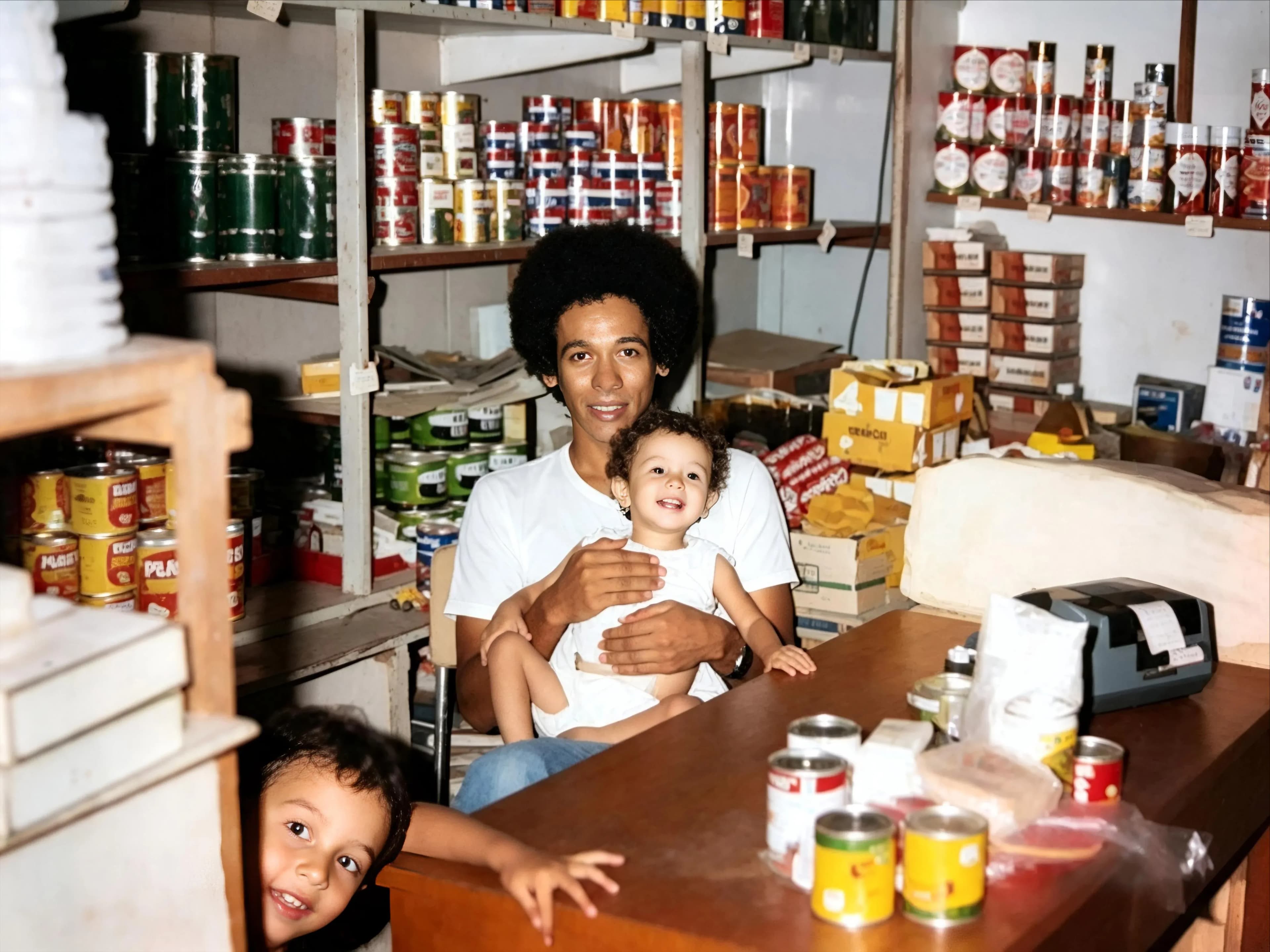
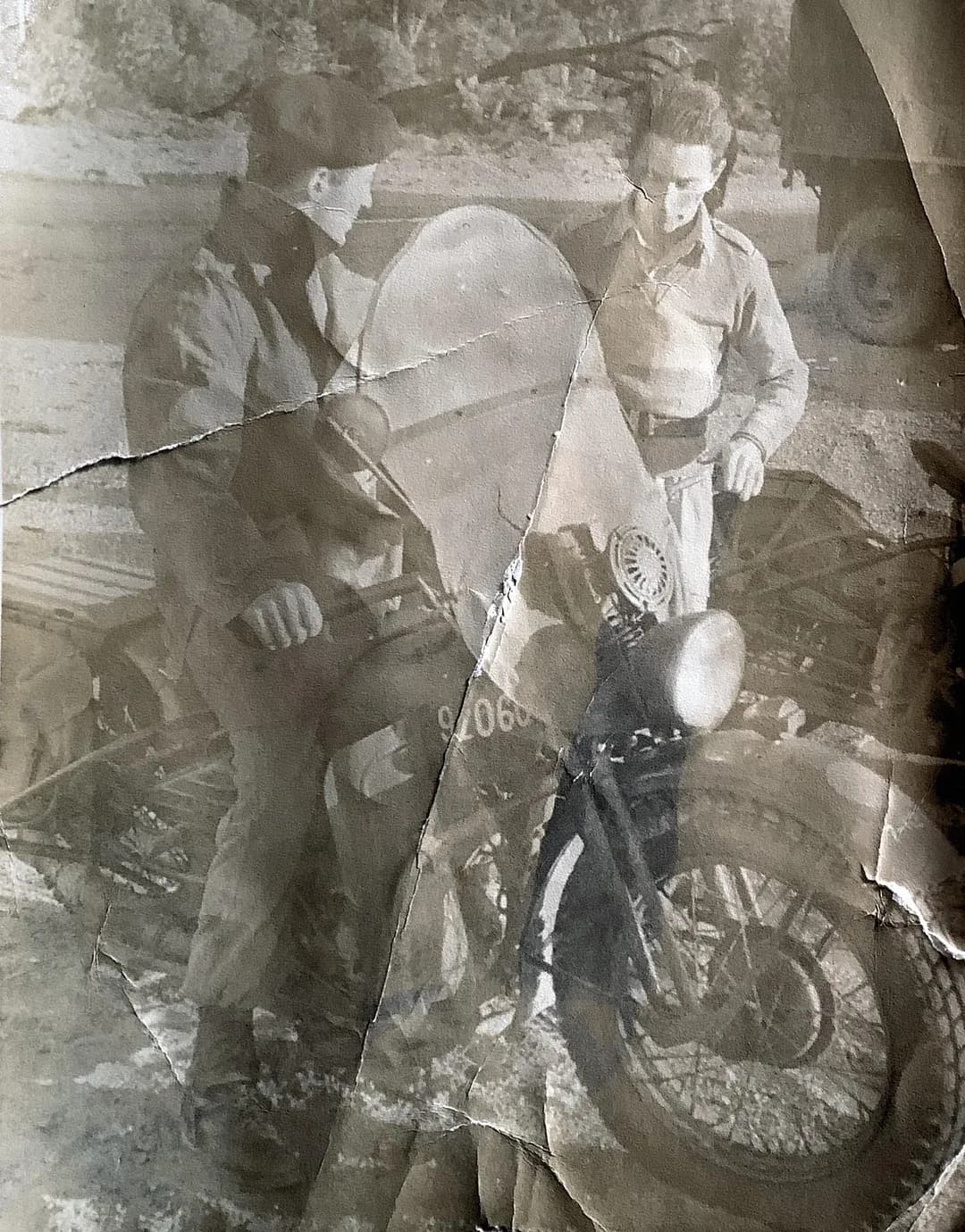
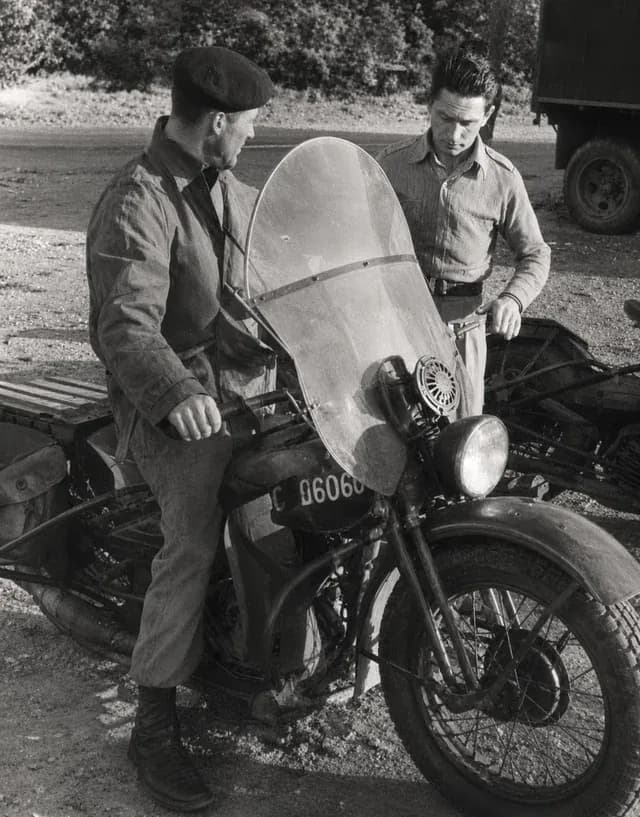
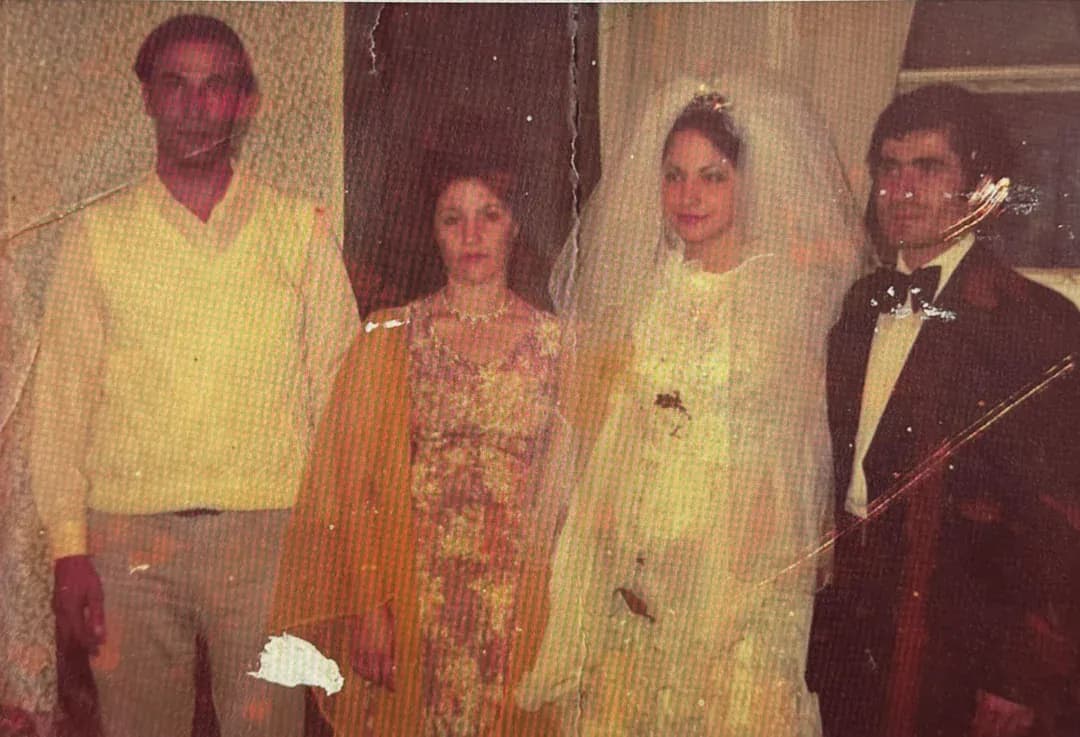
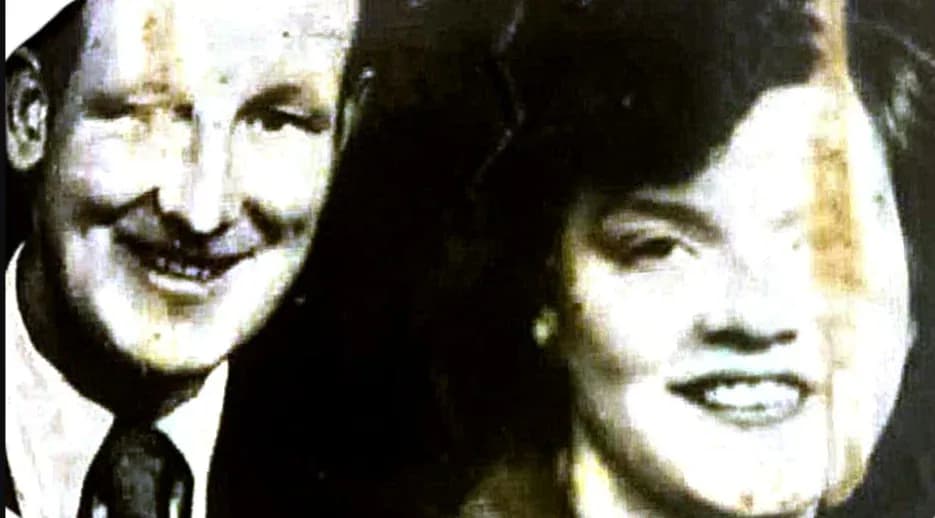
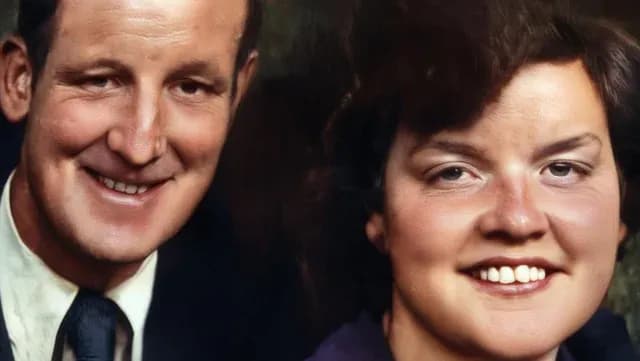
Scratches, creases, tears, water stains and decades of fading come off, and a black and white original comes back in color in the same run. Most tools make you choose: repair the damage or colorize it. Doing both at once matters, because color prediction works far better once the scratches are gone.
- Scratches, creases, tears and water stains removed
- Black and white and sepia photos colorized in the same pass
- Faces rebuilt without changing who they are
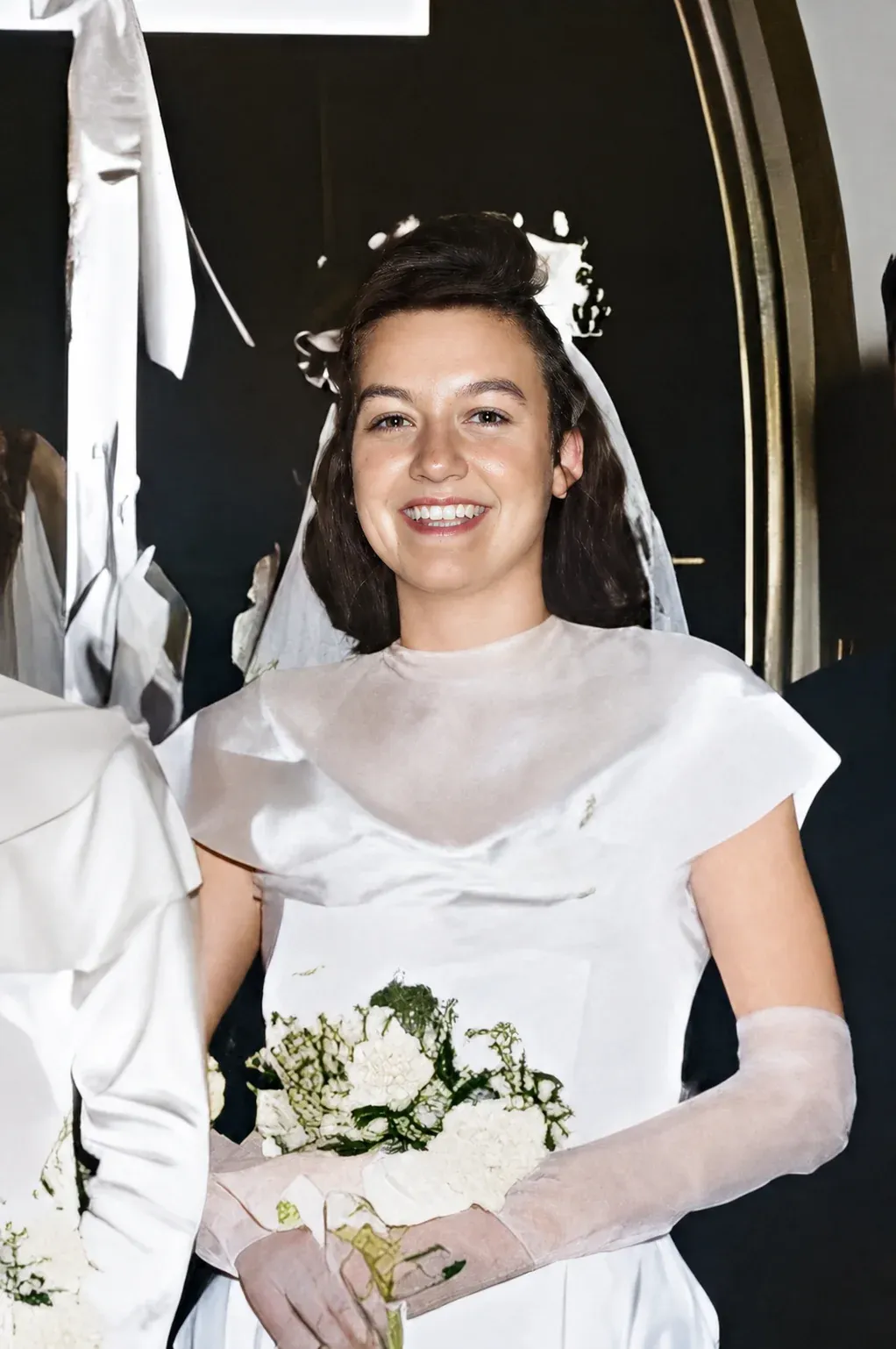
Unblur and sharpen
Fix a blurry photo you thought was unusable.
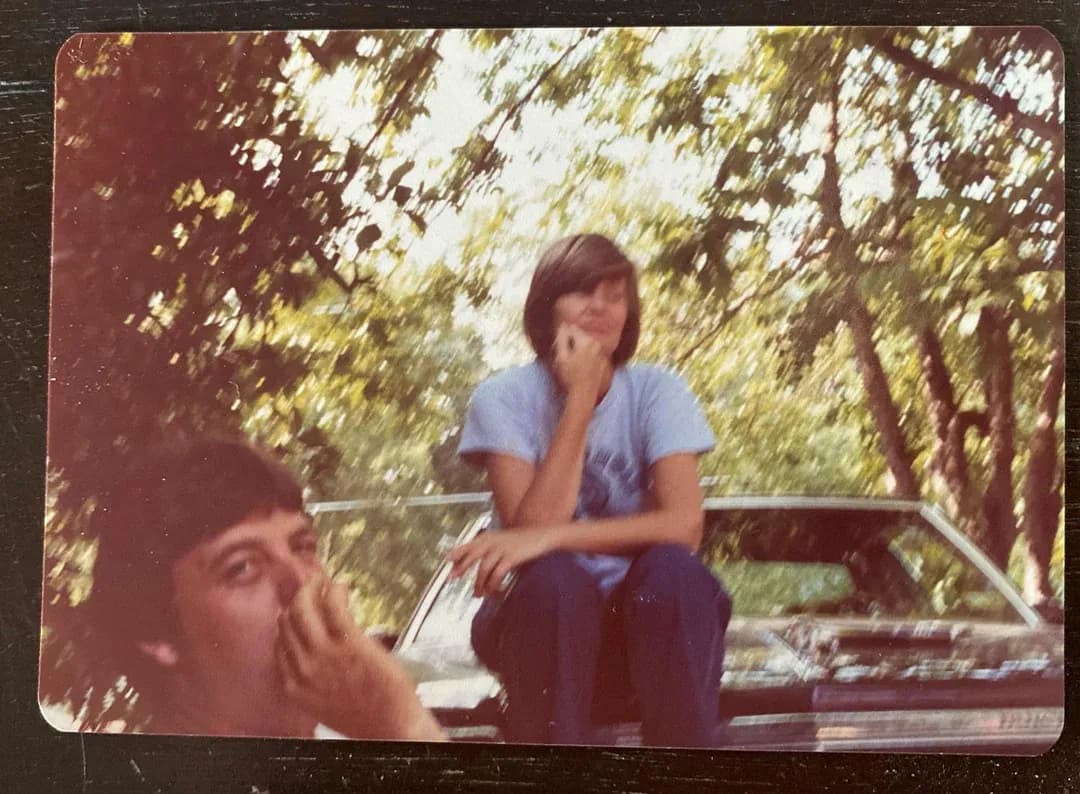
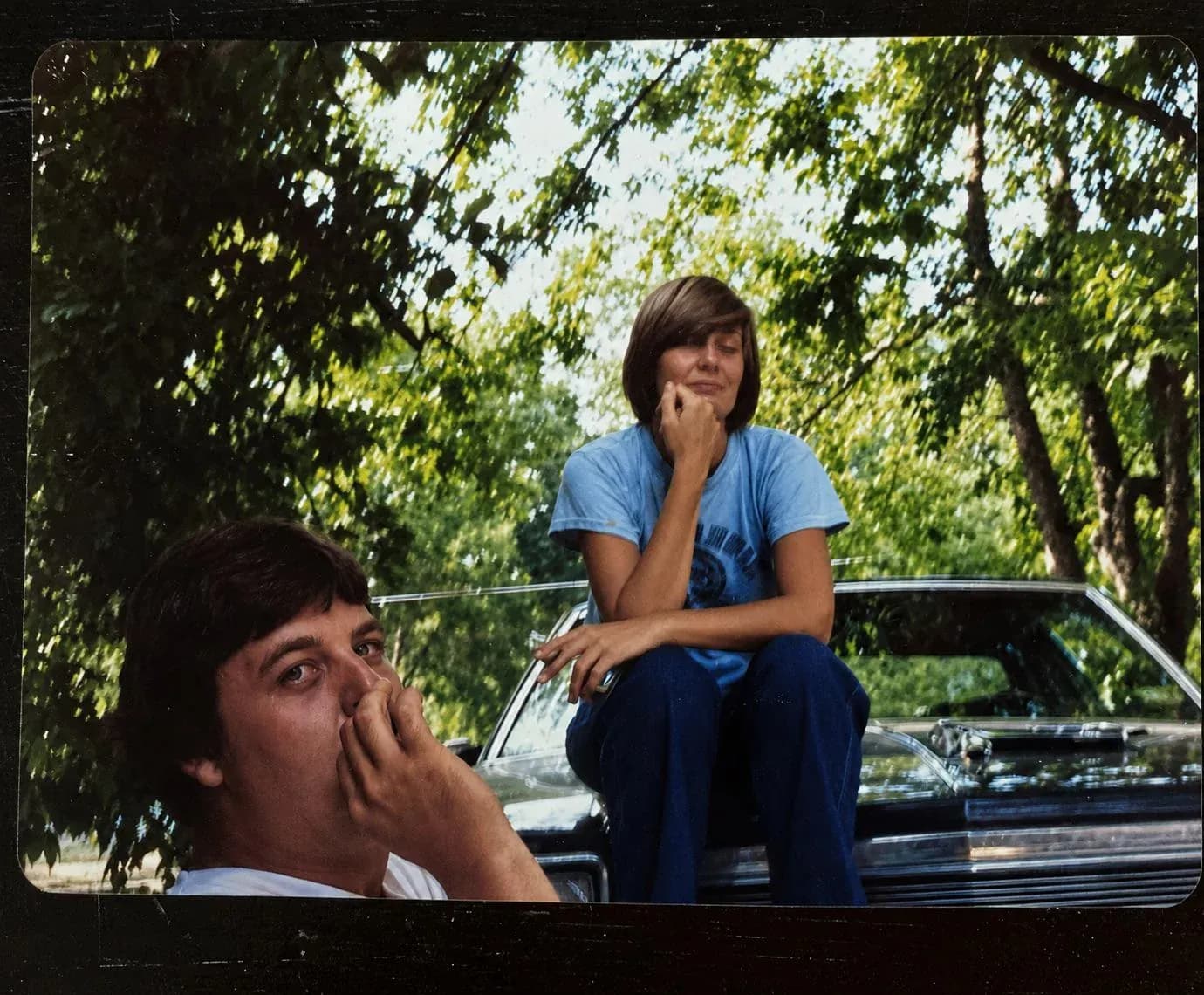
Out-of-focus shots, camera shake, low-light grain and the softness you get from photographing a print at an angle. The AI reconstructs facial features and texture rather than running a sharpening filter, which only adds contrast at the edges and makes a soft photo look crunchy.
- Unblur out-of-focus and camera-shake photos
- Sharpen soft scans, screenshots and low-light grain
- Detail rebuilt, not just edge contrast faked
Age and wear
Fifty years in a drawer, undone.
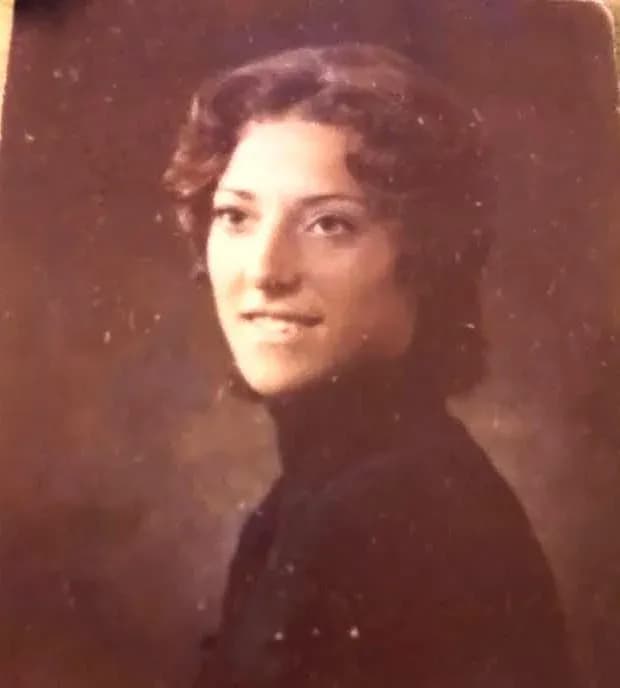
Dust, speckling, film grain, the sepia shift and the flat grey that creeps into every old print. Upload a phone photo of it and the AI puts back what the years took, at 1080p, in under 30 seconds. Where a face is genuinely destroyed the result is a convincing reconstruction rather than a recovery, and we would rather say that than pretend otherwise.
- Dust, speckles and film grain cleaned off
- Works from prints, scans, slides or a phone photo of a photo
- Turn a restored portrait into a short video clip
Pricing
Photo restoration for under a dollar a photo
A restoration studio charges $50 to $150 an image and takes days, because a person repairs every photo by hand. The AI does the same job in 30 seconds.
Basic
For 5 to 10 photos. A handful of favorites, done properly.
$0.70 per photo · 10 restorations
Get Basic- 10 AI credits included
- High-Resolution Output
- Credits Never Expire
- Animate Photos with Credits
Plus
A small album: around 25 photos.
$0.68 per photo · 25 restorations
Get Plus- 25 AI credits included
- High-Resolution 1080P Output
- Credits Never Expire
- Animate Photos with Credits
Pro
A shoebox of family photos: around 50.
$0.60 per photo · 50 restorations
Save 14%$34.95 in Basic packs
- 50 AI credits included
- High-Resolution 1080P Output
- Credits Never Expire
- Animate Photos with Credits
Studio
A big collection: 100 photos, or dozens of animations.
$0.55 per photo · 100 restorations
Save 21%$69.90 in Basic packs
- 100 AI credits included
- High-Resolution 1080P Output
- Credits Never Expire
- Animate Photos with Credits
Working through a whole archive of 250 photos or more? Max pack: 250 credits for $109.99 ($0.44 per photo)
Prices don't include VAT.
Frequently asked questions
What people ask before they upload a photo, answered straight, including the parts AI restoration does badly.
Can an old photo really be restored?
Yes, in most cases. The AI rebuilds what the damage took away: torn edges, scratches, creases, water stains, fading, and faces gone soft. It works from what is still visible in the frame, so a print with a recognizable face comes back well, while an area that is completely gone is reconstructed as an educated guess rather than recovered. That is the honest limit of every AI restorer, ours included. The only test that settles it is your own photo rather than somebody's demo gallery, because a 1950s studio portrait and a water-damaged snapshot do not behave the same way. Credit packs start at $6.99 for 10 photos, with no subscription.
How do you restore an old photo?
Photograph or scan the print, upload it, pick a style, and download the result. There is nothing to install and nothing to configure: the page runs in your browser, the AI runs on our servers, and most restorations finish in under 30 seconds. If you are starting from paper, a flat, evenly lit phone photo of the print is usually enough, and you do not need a scanner. The five styles cover the usual damage: Restore for scratches, creases and fading, Colorize for black and white originals, Enhance and Cleanup for general quality, and Sharpen for blur. Because the work happens in the cloud, an old laptop or a phone gives the same result as a fast computer. The one requirement is an internet connection, since nothing is processed on your device.
Can I restore old photos for free?
Not currently. Credit packs start at $6.99 for 10 restorations, about $0.70 per photo, and they are one-time purchases rather than a subscription. It is worth knowing what most "free" photo restorers cost instead: a watermark stamped across the result, a download capped at a few hundred pixels, or a credit card for a trial that quietly renews into a monthly charge. The pricing here is the whole bill. Credits never expire, so a pack bought for one album still works on the next one, and there is a 30-day money-back guarantee if the results are not what you expected.
How much does photo restoration cost?
Credit packs start at $6.99 for 10 photos, about $0.70 each. Plus is $16.99 for 25, Pro $29.99 for 50 at roughly $0.60 per photo, Studio $54.99 for 100 at about $0.55, and Max $109.99 for 250, which works out near $0.44 per photo. Every pack is a one-time payment, nothing renews, and credits never expire, so buying one size too large is not punished. For comparison, a human restorer charges $50 to $150 per image and takes several days. The only question worth asking before you pick is how many photos you actually have: a handful of portraits fits inside Basic, while two full albums are far cheaper per photo on Family or Studio.
Where can I get old photos restored near me?
You do not need a local shop for this. A restoration studio in your area usually charges $50 to $150 per photo and takes several days, because a person repairs each image by hand in Photoshop. This runs online from any browser, costs under a dollar per photo, and finishes in under 30 seconds, so there is nothing to drop off and nothing to collect. There is one case where a local specialist is still the better call: when the original print is so fragile, stuck to glass, or physically torn in pieces that it needs careful handling and a proper flatbed scan before anything digital can happen. For everything that you can photograph with a phone, online is faster and far cheaper.
What kinds of photos can I restore?
Almost any photo with a face in it: old family portraits, vintage wedding photos, faded baby pictures, military and graduation portraits, school and yearbook shots, ID photos, scanned prints, Polaroids, and phone photos taken of an old print. Black and white, sepia and color all work, from 1800s studio portraits to 1990s snapshots. The honest limitation is source quality rather than age: when the original is tiny, or a face is barely visible in it, the AI has less to rebuild from and results vary more than they do on a clear print.
How do I colorize a black and white photo?
Upload the photo and pick the Colorize style. The AI reads the scene and predicts natural skin tones, fabric colors, hair and background hues, and returns a full color image at 1080p in under 30 seconds. It works on anything monochrome, from an 1800s studio portrait to a black and white shot taken last year, and colorizing costs one credit, the same as any other style. One thing to be upfront about: the AI predicts plausible colors from context, so it cannot know the true color of a dress or a car that only ever existed on black and white film. Treat the result as a faithful interpretation rather than a historical record. For a damaged original, restore it first and colorize second: the color prediction is noticeably better once the scratches are gone.
How do I fix a blurry photo?
Pick the Sharpen style and upload the photo. Rather than applying a sharpening filter, which just adds contrast at the edges and makes a soft photo look crunchy, the AI reconstructs facial features, edges and texture, which is why faces in particular come back far better than a slider in a photo editor can manage. It handles out-of-focus shots, camera shake, low-light grain, and the softness you get from photographing a print at an angle. The limit is information: if motion blur smeared a face so completely that no structure survived, there is nothing left to rebuild from, and the result will be a plausible face rather than the real one. Mild to moderate blur is where this works best.
Can I animate an old photo?
Yes. A restored portrait can be turned into a short video clip of a few seconds, where the face moves and the frame comes gently to life, which is the effect people usually mean when they talk about bringing an old photo to life. Animation costs 3 credits against 1 for a restoration, because generating video is considerably more expensive than generating a still. Restore the photo first and animate the restored version: animating a scratched, faded original carries the damage into every frame of the clip. The result downloads as a normal video file you can send in a message or play at a family gathering.
How long does it take to restore a photo?
Under 30 seconds for most photos. You upload the image, choose a style, and download the result, with no queue and no manual editing. The honest total from finding an old print to holding a restored digital copy is a few minutes, and most of that is spent photographing or scanning the original rather than waiting on the AI. If you have a whole shoebox, bulk restoration lets you work through many photos in one session instead of uploading them one at a time. Picking the right style for a particular photo sometimes takes a try or two, which is worth budgeting for on your first few images.
What resolution will my restored photo be, and can I print it?
Restorations come back at 1080p, which is the same resolution as a Full HD screen and comfortably covers standard photo prints, digital frames and anything posted online. People reprint restored wedding, graduation and military portraits as gifts all the time, and the app includes digital frames if you want a finished border before sending a file to a print shop. Two things decide how the final file looks: the output resolution, which is handled for you, and the quality of what you upload, which is not. A flat, evenly lit capture of the original beats a dark angled one by a wide margin. Before ordering anything large, open the download at full size and look at it, because print makes every flaw bigger.
Which AI tool is best for restoring old photos?
It depends on what is wrong with the photo, and anyone who answers otherwise is selling something. Remini is strong on faces and weaker on everything around them, which suits portraits and not group shots or landscapes. MyHeritage is built around genealogy and sells restoration as part of a subscription. Topaz is desktop software aimed at photographers who want manual control. This app treats the whole frame in one pass, repairs damage and colorizes in the same run, and sells one-time credits rather than a subscription. The practical way to choose is to run the same difficult photo through two or three of them and compare, which is why the free restorations exist.
Can Photoshop restore old photos?
Yes, and it will beat any AI in skilled hands, given time. Repairing a torn photo properly in Photoshop means cloning, healing, dodging and burning, rebuilding missing detail by hand, and then color grading, which is a few hours of work per image for someone who knows what they are doing and a long evening of frustration for someone who does not. That is exactly why professional restoration costs $50 to $150 per photo: you are paying for those hours. An AI pass costs under a dollar and takes 30 seconds, and for most family photos it gets close enough that the difference only shows under scrutiny. The sensible split is to run the AI over the whole album and reserve manual work for the two or three images that really deserve it.
What are the downsides of AI photo restoration?
There are three worth knowing before you upload anything. First, the AI reconstructs rather than recovers: where detail was destroyed, it invents something plausible, so a severely damaged face comes back as a convincing approximation and not as the person photographed. Second, colorization is interpretation, not evidence, so colors in a colorized photo are a good guess from context rather than a record of what was actually there. Third, restoration can smooth away grain, film character and small imperfections that some people value as part of the original. None of this makes the result less useful for a family album, but it does mean a restored photo is a new image derived from the old one. Keep your original scan: it is the document, and the restoration is the version you share.
Is my photo safe and private?
Photos travel over HTTPS and are stored privately on Cloudflare R2. Originals and restored versions are kept for 30 days so you can get back into your history and re-download a result without paying twice, which matters when you are working through 50 photos across several sessions, and then they are permanently and automatically deleted. We never share your photos with third parties and never use them to train AI models. The flip side of that design is worth stating plainly: after 30 days the deletion is permanent and we cannot recover an image for you, so download and back up the restorations you care about. Nothing is installed on your machine, so no copies are left behind on a shared computer.
Do credits expire?
No. Credits never expire, there are no monthly limits, and nothing renews. That matters more than it sounds, because people work through old albums in bursts: twenty photos the week a shoebox of prints turns up, nothing for six months, then another batch after a family visit. A pack simply sits in the account between those sessions without losing value. The only clock in the service is unrelated to credits: restored photos are deleted after 30 days for privacy, so download your results even if you plan to take a long break.
You keep full commercial rights and ownership of every photo you restore.
 Before
 After
 Before
 After
 Before
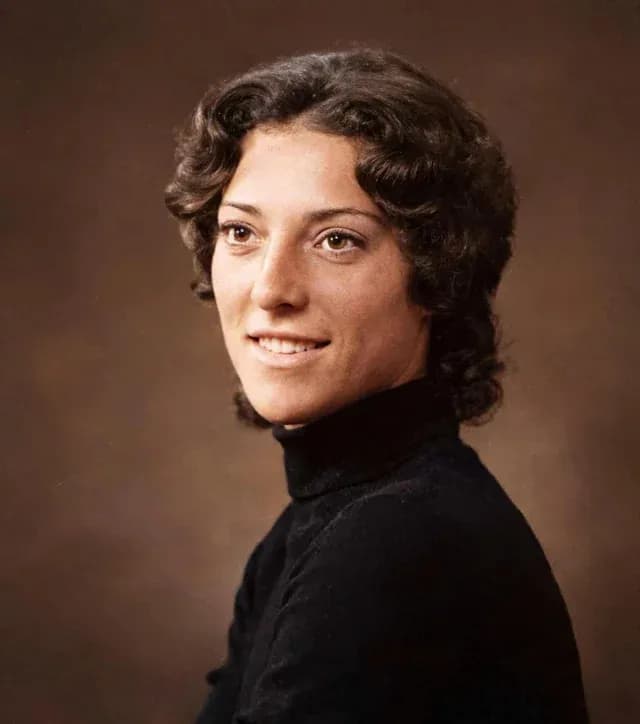 After
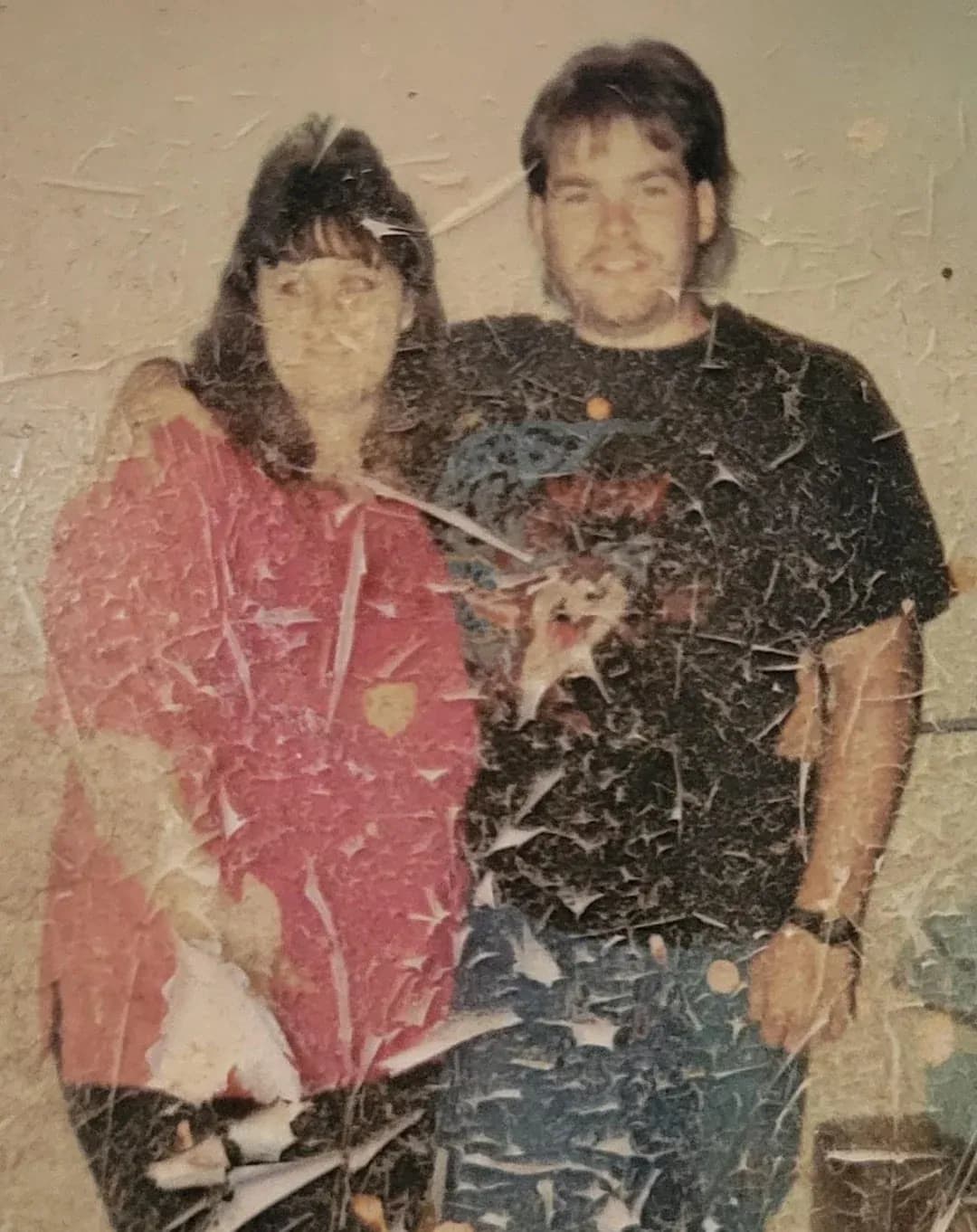 Before
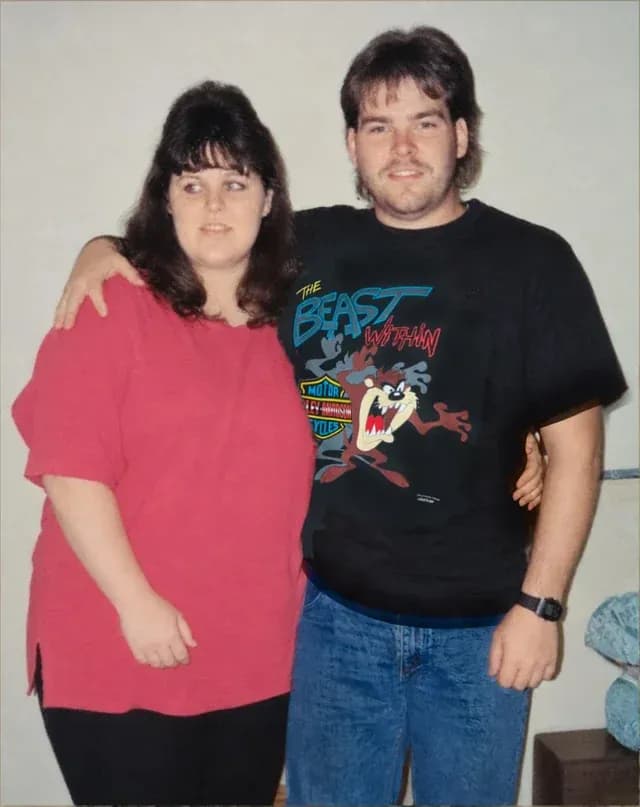 After
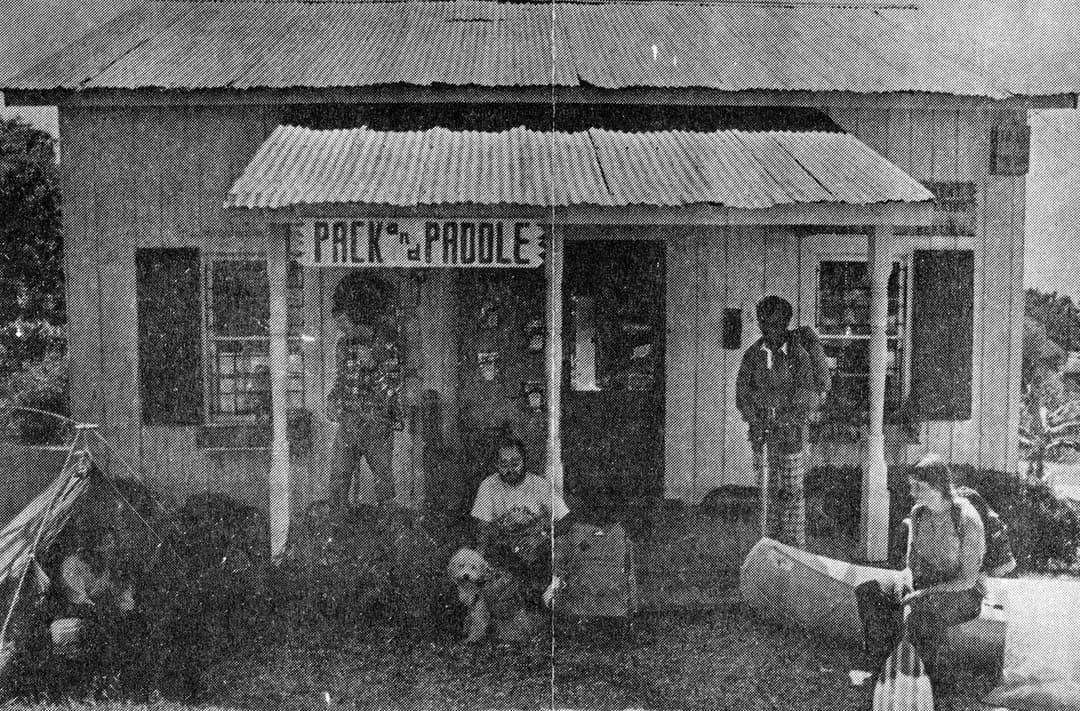 Before
 After
 Before
 After
 Before
 After
 Before
 After
 Before
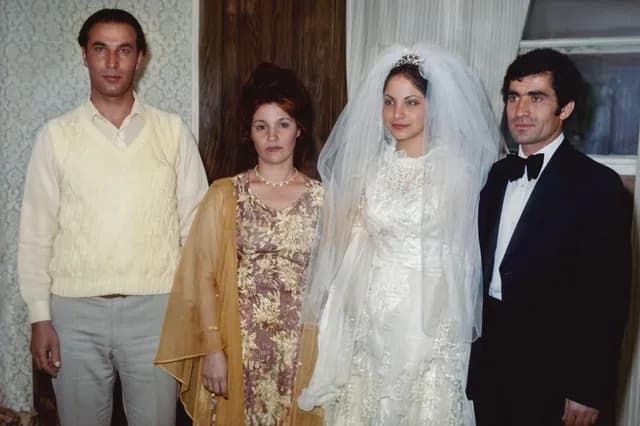 After
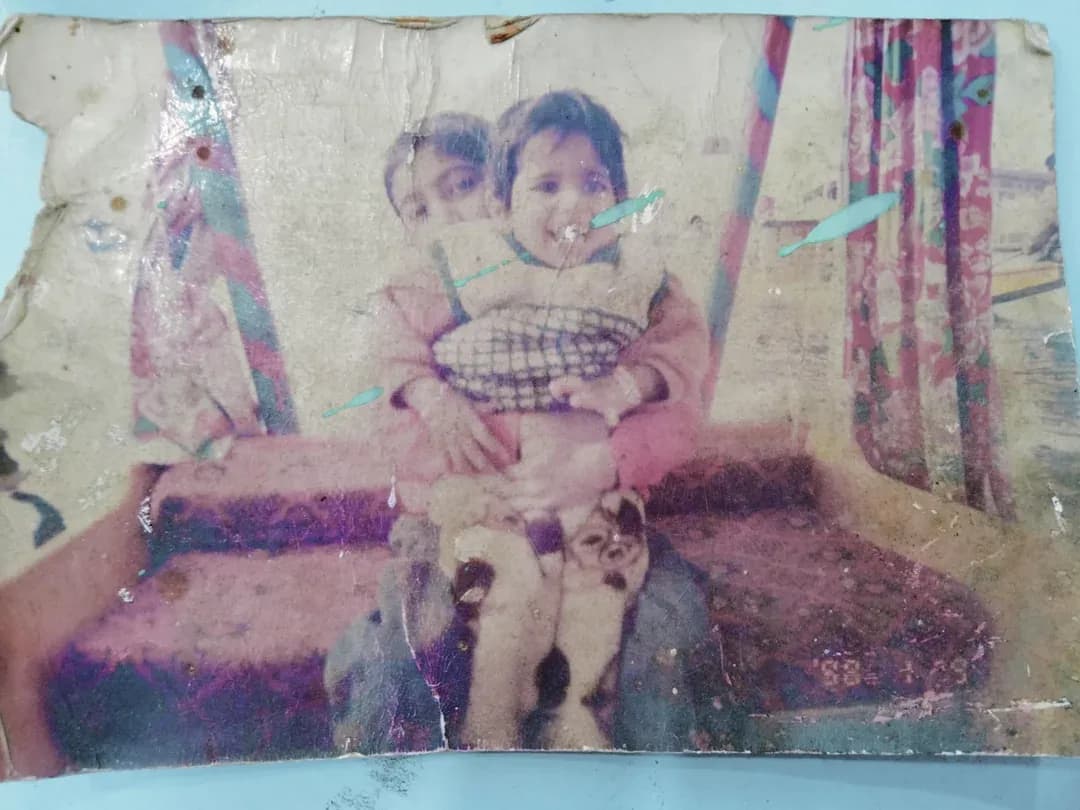 Before
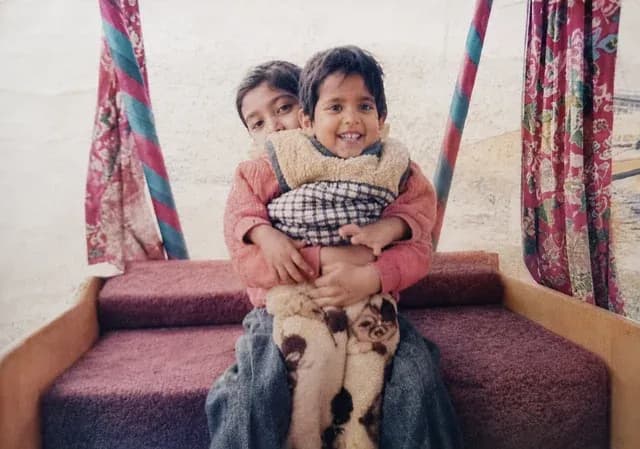 After
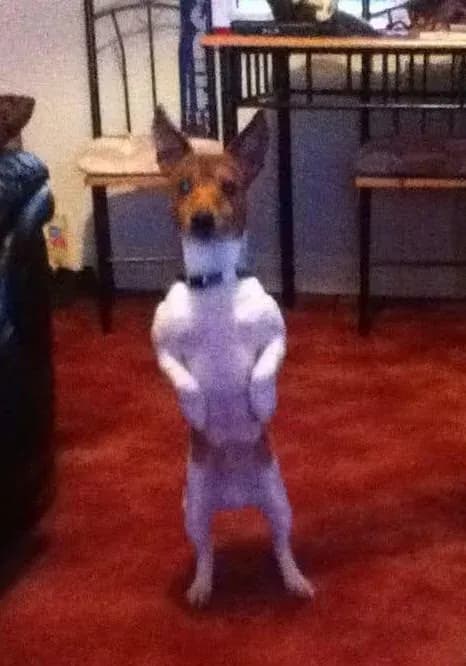 Before
 After
 Before
 After
Try it on one photo
Upload it, pick a style, download the result. Thirty seconds, and nothing renews.
Restore Your Photos